Jump to content
View in the app

A better way to browse. Learn more.

KH13 · for Kingdom Hearts

A full-screen app on your home screen with push notifications, badges and more.

To install this app on iOS and iPadOS
  1. Tap the Share icon in Safari
  2. Scroll the menu and tap Add to Home Screen.
  3. Tap Add in the top-right corner.
To install this app on Android
  1. Tap the 3-dot menu (⋮) in the top-right corner of the browser.
  2. Tap Add to Home screen or Install app.
  3. Confirm by tapping Install.

All Profile Comments

211,891 profile comments

  1. Cyber Shaman left a comment on Shana09's profile
    Shana09 replied

    it shows it to me and then quickly directs me to Google xD but I know what you wrote

    Cyber Shaman replied

    I thought you wanted a new avvy so I decided yo help.

    It's a anime character named shana.

    Was the part were you knew what I wrote suppose to be bad? :P

    Shana09 replied

    Nope it wasn't meant to be bad

    xD I know Shakugan no Shana, I used to watch it but stopped 1/3 way


    I have a huge collection of profile pictures, I'll just pic one unused one.

  2. Weedanort posted a status update

    hatok was banned? WHY?

    Weiss replied

    I'll chat you. Can't say it in public.

    Geralt replied

    ._. B-but...Hatok D'; I missed too much didnt i D:

  3. Shana09 posted a status update

    its been a long time with this avvy...i should change it

    Weiss replied

    11 days= long time

    yes

    sounds about right i just changed mine

    Shana09 replied

    ill change it once I come back from the doctor 8D

  4. Yang posted a status update

    i won a $1000 scholarship woot

  5. Demyx. posted a status update

    I can't stop listening to this song. O_O

    ohh great so you share it so it can get stuck in someone else s head...

  6. Azzurro posted a status update

    I need a creepy friend to scare off other creepy people

  7. Villi1997 posted a status update

    OPPA GANGNAM STYLE

  8. Koko posted a status update

    i love my most recent post haha

  9. Col.Random posted a status update

    the site seems more active today o_O

    Shera Wizard replied

    We gave it life stair owo

    Weiss replied

    It seems dead to me xD

  10. Hei posted a status update

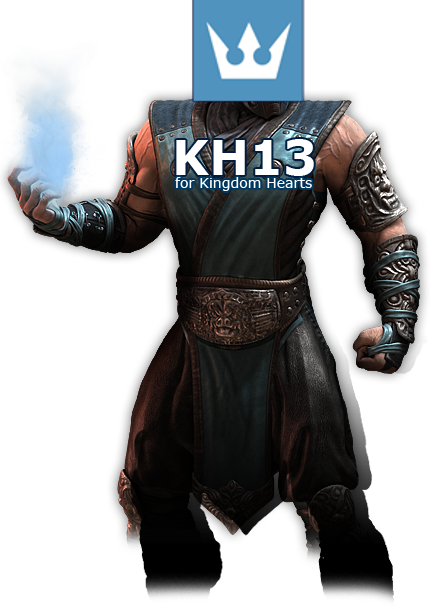
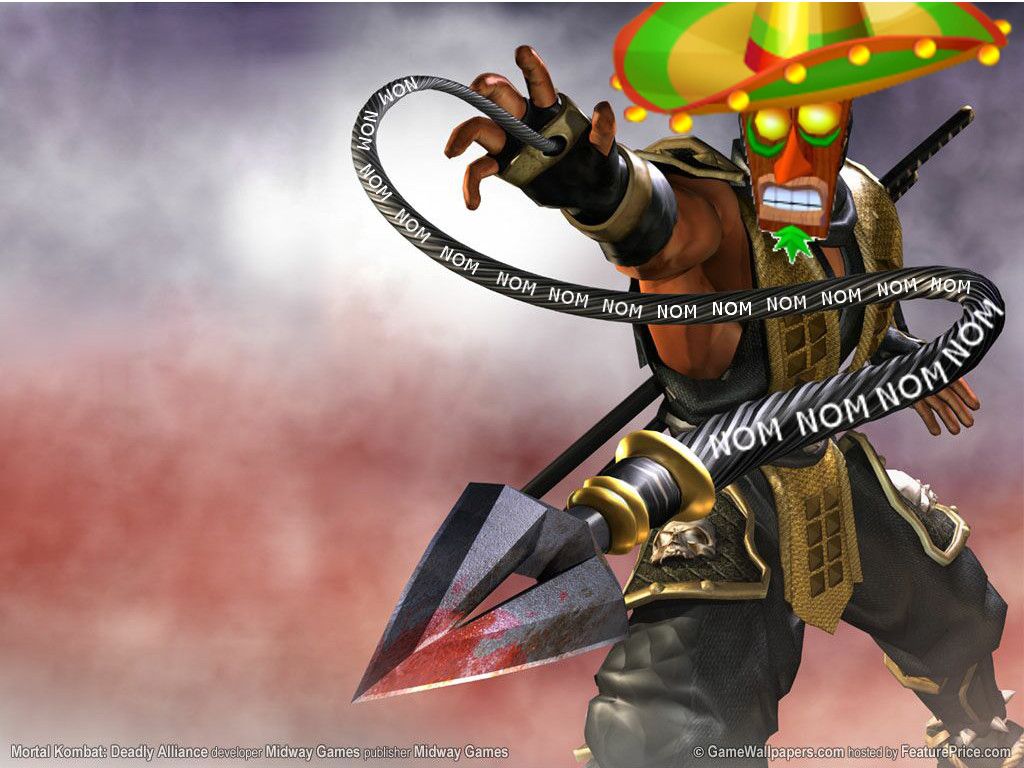
    So apparently KH13 is a stage in Mortal Kombat: http://oi48.tinypic.com/2v3pogi.jpg

    Shera Wizard replied

    holy shit that's WoW-- I mean, THAT IS SOME AWESOME HOMEPAGE

    Col.Random replied

    the players must have some serious spam attacks to deal with

    Shera Wizard replied

    GIMME THAT CHARACTER XAON PLS

    Col.Random replied

    @kelly spam attacks obviously

    Hei replied

    XDD That KH13 FIGHTER XAON!

    and yes, spam attacks are the stage fatality

    Demyx. replied

    Just a warning....Editing is about to happen xD

    Col.Random replied

    AAAANNNNND it begins....

  11. DestinyLocks posted a status update

    Good Morning Dam doe yesturday was hella real and crazy but anyway what to do today !

  12. Noura The Wise posted a status update

    Why can't I understand French? Watching Code Lyoko:Evolution would be that much easier...

  13. VisitJoan posted a status update

    Trying to decide if I should watch Cynthia kick Team Rocket's butt now, or wait until next week for the English version.

  14. Koko posted a status update

    SOMEONE LET ME INVITE THEM TO POUPEE GIRL SO I CAN GET RIBBONS

  15. Think Pink posted a status update

    SCREW YOU TOO COMPUTER

  16. VisitJoan posted a status update
    :P
  17. Jim posted a status update

    I just saw the 2010 trailers for the first time, and it's official. I WANT Final Fantasy Versus XIII.

    Demyx. replied

    welcome to my life. -_-

    Shana09 replied

    Welcome to almost everybody's life*

  18. Shera Wizard posted a status update
    http://thebest404pageever.com/swf/assmonkey.swf what the firetruck is this i dont even

    Jim replied

    I clicked on it and started giggling like a weirdo

Configure browser push notifications

Chrome (Android)
  1. Tap the lock icon next to the address bar.
  2. Tap Permissions → Notifications.
  3. Adjust your preference.
Chrome (Desktop)
  1. Click the padlock icon in the address bar.
  2. Select Site settings.
  3. Find Notifications and adjust your preference.
Scroll to the top