Jump to content
View in the app

A better way to browse. Learn more.

KH13 · for Kingdom Hearts

A full-screen app on your home screen with push notifications, badges and more.

To install this app on iOS and iPadOS
  1. Tap the Share icon in Safari
  2. Scroll the menu and tap Add to Home Screen.
  3. Tap Add in the top-right corner.
To install this app on Android
  1. Tap the 3-dot menu (⋮) in the top-right corner of the browser.
  2. Tap Add to Home screen or Install app.
  3. Confirm by tapping Install.
Posted
Note: This is a special chat topic! This means that posts can be shorter and more casual here. Posts here are linked with and may appear on our Discord server.
  • Replies 32.9k
  • Views 744.7k
  • Created
  • Last Reply

Top Posters In This Topic

Most Popular Posts

Posted Images

Featured Replies

Although it's not really a meme but whatever LOOOOL

I love it too XDDDDDDDD

Best memes

Omg XDDD

ahhh I need to buy this on blu ray now

I cant understand why I havent yet

awww yeah jp with eng subtitles included with the blu ray here I come

IMG_20190427_160159.jpg

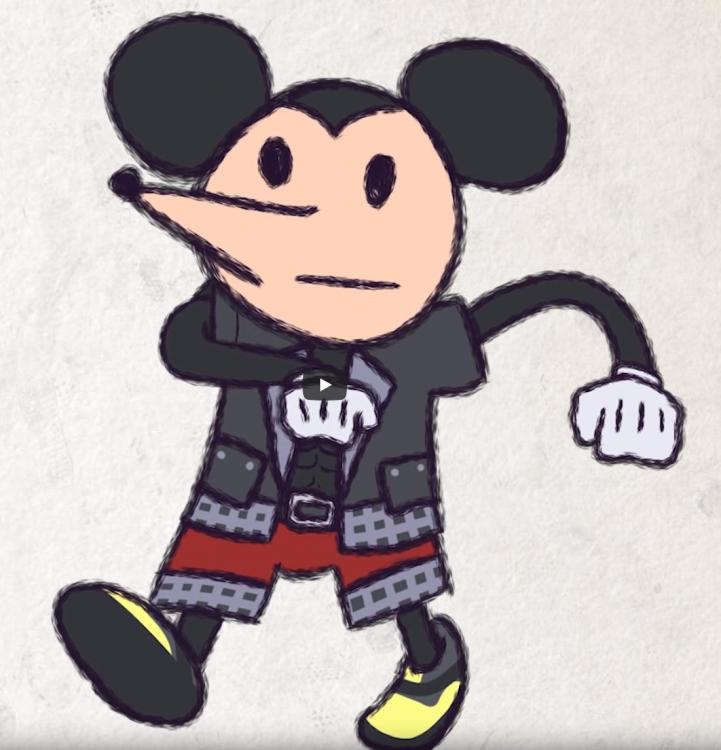
This is a cursed image

dafuq

The dub of this film was so good

I went to the cinema for the second showing and didn't get the limited edition card tho

bullshit

I bequeath to all of you...........................A boot to the head.

aww, how thoughtful!

casts reflectga

Guards and Counterguards

image0.jpg

:4838_despair:

How could you do this

OHHHH boi this gun be gud

I firetrucking DIED

ONLY A MINUTE IN AND I'M

DEAD

Join the conversation

You can post now and register later. If you have an account, sign in now to post with your account.

Guest
Reply to this topic...

Configure browser push notifications

Chrome (Android)
  1. Tap the lock icon next to the address bar.
  2. Tap Permissions → Notifications.
  3. Adjust your preference.
Chrome (Desktop)
  1. Click the padlock icon in the address bar.
  2. Select Site settings.
  3. Find Notifications and adjust your preference.
Scroll to the top