Jump to content
View in the app

A better way to browse. Learn more.

KH13 · for Kingdom Hearts

A full-screen app on your home screen with push notifications, badges and more.

To install this app on iOS and iPadOS
  1. Tap the Share icon in Safari
  2. Scroll the menu and tap Add to Home Screen.
  3. Tap Add in the top-right corner.
To install this app on Android
  1. Tap the 3-dot menu (⋮) in the top-right corner of the browser.
  2. Tap Add to Home screen or Install app.
  3. Confirm by tapping Install.

Sora

Verified Member
  • Joined

  1. Sora posted a status update

    You heard me

  2. Sora posted a status update
  3. Sora posted a status update

    Pause

  4. Sora posted a status update

    I'm in me mums caaaar. Broom broom

    Gamerazor247 replied

    Cool update bro, type it again. *applauds*

    Sora replied

    Glad to see someone who got the reference commented

  5. Sora posted a status update

    .........................wow

    Weedanort replied

    wow..................

    Shulk replied

    w......o.......w.......

  6. Sora posted a status update

    Procrastinating 4 life

    procrastinaters are CraptopMasterRace

    Ceriraye replied

    procrastinators unite!

  7. Sora posted a status update

    facepaaaaaaalm

    It's all me on this one, Maka.

  8. Aru Akise left a comment on Sora's profile

    Weren't we comrade Defaults? Ascending to a new level has made you negligent to your fellows?

    Aru Akise replied

    http://kh13.com/forum/topic/79422-default-avatars-assemble/page-4#entry1508769


    I'll move that thread to roleplaying, the way it has scalated xD

    Sora replied
    xD you seem to understand now. Good work, keep it up
    Aru Akise replied

    O Lord's Chosen One, thank you for thy words, although I'm unworthy of being a vessel for them.

  9. Sora posted a status update

    Red

    Reflet replied

    And Lord Demyx is superior to you, right?

    I bow to none Demyx is merely a friend i wish to assist

    Col.Random replied

    We of the colored defaults are superior to thou

  10. Demyx. left a comment on Sora's profile
    Sora replied

    Awwww yeaaaaah


    Wait what are we now? xD

    Demyx. replied

    Were just awesome.


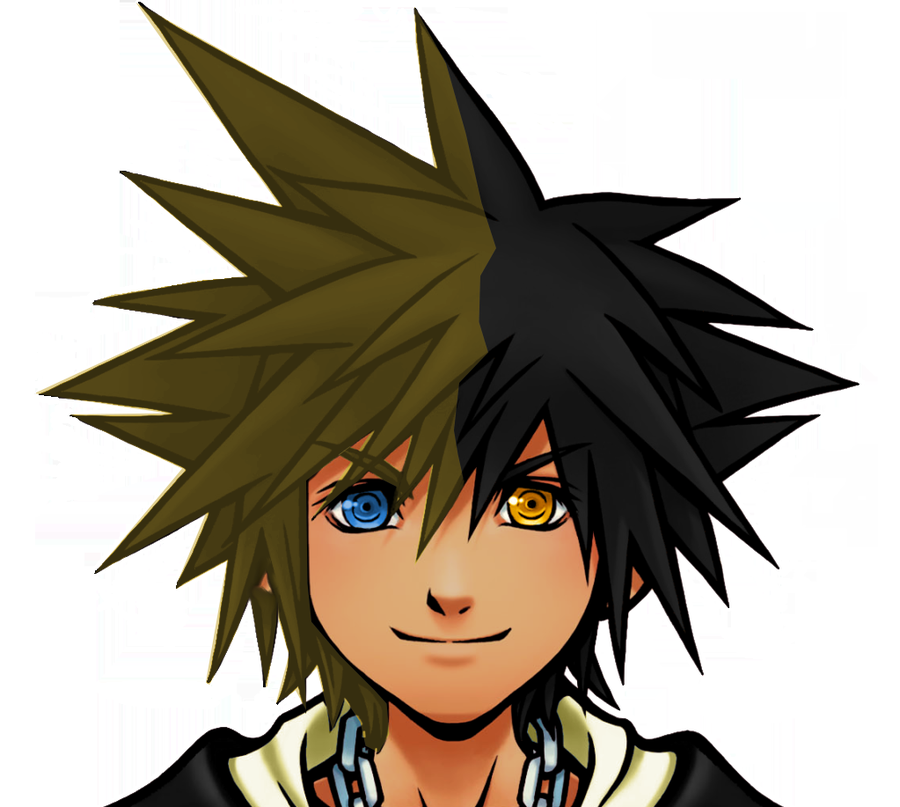
    Use this one instead though. its better http://i1273.photobucket.com/albums/y410/xaonschock/soraavy_zps8856175a.png

  11. Sora posted a status update

    For anyone wondering about what's going on with the avatars: http://kh13.com/forum/topic/79429-today/

  12. Sora posted a status update

    what

    Philip Ellwell replied

    Where for art thou, romeo?

    GotMilk5101520 replied

    Can i punch you again?

  13. Sora posted a status update

    Wow just wow

    Aru Akise replied

    Two negatives. That kinda breaks the uniformity.


    They're high ranks ohhhhhhhh

  14. Gamerazor247 left a comment on Sora's profile

    Wait wat?... Is dis a thing naow? I IX confused

    Sora replied

    Idk. Don't associate me with them

    Defaut is love, default is life

  15. Demyx. left a comment on Sora's profile

    where you dont know whats going on anymore. its best to seperate yourself http://i1273.photobucket.com/albums/y410/xaonschock/defaultsora2_zps8627b0e6.png

    Sora replied

    firetrucking yes xD

  16. Sora posted a status update

    What's up with all these non-default avatars?

    Weird stuff.


    So not cool.

    Aru Akise replied

    Fill the forum page with default avatars. DEFAULTS! START COMMENTING!

  17. Demyx. left a comment on Sora's profile

    Ours are the best though.

    Sora replied

    Of course. Everyone else's lacks finesse

  18. Soul Eater Evans left a comment on Sora's profile

    who's that pokemon!? It's...... Xehanort! "This cardboard cutout sucks."

  19. Sora posted a status update

    Hi

  20. Sora posted a status update

    firetruck.

Configure browser push notifications

Chrome (Android)
  1. Tap the lock icon next to the address bar.
  2. Tap Permissions → Notifications.
  3. Adjust your preference.
Chrome (Desktop)
  1. Click the padlock icon in the address bar.
  2. Select Site settings.
  3. Find Notifications and adjust your preference.
Scroll to the top