Exiblade7
-
Joined
-
Last visited
-
Exiblade7 posted a status update
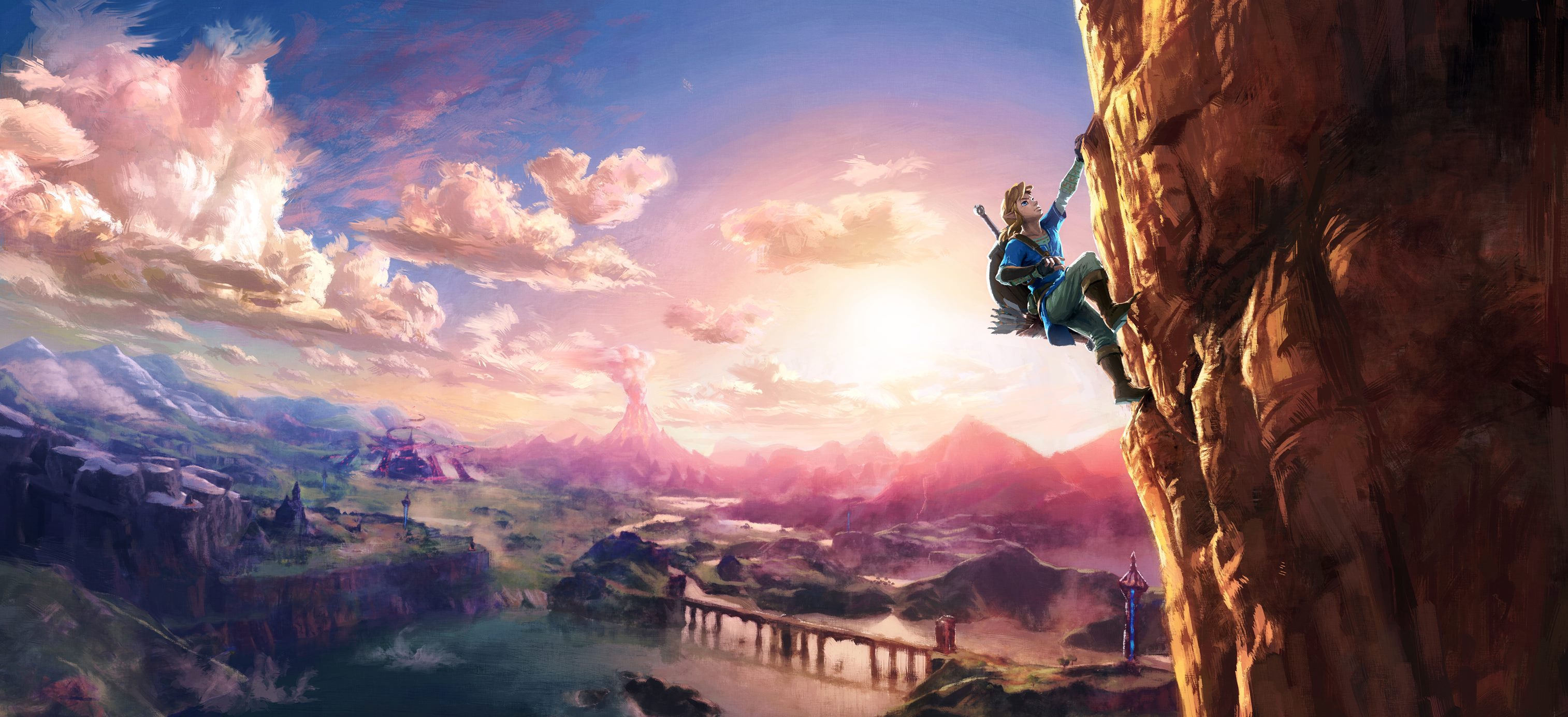
This is my background now. Thanks nintendo! http://puu.sh/pqFS2/54b3077102.jpg
Exiblade7 repliednot really. They released the artwork today to the public and for some reason it fix with your desktop's background perfectly.
If you want the background here it is http://nintendoeverything.com/wp-content/uploads/zelda-art-1.jpg
-
Exiblade7 posted a status update
If nintendo is completely rebooting the zelda series with zelda wii u, then I'm assuming that they're ditching the zelda timeline, which i'm fine with because i'm more opened to video game company choices
-
Exiblade7 posted a status update
Why are people assuming that the two links in this picture is a male link and a female link? https://pbs.twimg.com/media/CkyVfiuUgAAzPM3.jpg I honestly think that the link that looks more feminine is a male because nintendo hasn't officially confirmed it yet.
-
Exiblade7 posted a status update
I'm calling it right now kingdom hearts 2.8 final chapter prologue is going to come out near or on my birthday, which is December 9th
AngelTheWeirdStranger repliedIt will definitely come out during my Finals so yeah, early December might be right. C= (-。- )
-
Exiblade7 posted a status update
My heart goes out to the friends and families who lost their loved ones early this morning. May they rest in peace
-
Exiblade7 posted a status update
reminder that there's anything that I'm doing that's bothering you guys please tell me nicely. I'll be glad to stop whatever I'm doing because most of the time I have no idea it annoys people.

-
-
Exiblade7 posted a status update
getting this new ps3 controller between the 14th and 17th of this month! https://www.amazon.com/NCS-Bluetooth-Vibration-Controller-Playstation/dp/B01ABKGFR0/ref=sr_1_5?s=videogames&ie=UTF8&qid=1465681122&sr=1-5&keywords=PlayStation+3+Controllers … I'm so lucky that there are only two left.
-
Exiblade7 posted a status update
Watching someone play Hyrule Warriors makes me want to play smash brothers for 3ds and wii u.
-
Exiblade7 posted a status update
Have to take a short test on the 15th. Thank god it isn't on the 14th because that's when nintendo'll finally reveal hours of gameplay for zelda wii u
-
Exiblade7 posted a status update
I would like to ask a favor for you guys. If you are in a chatroom please don't correct what I type. I usually notice the typo after typing and posting it in the chat
-
Exiblade7 posted a status update
There was this one kid at my school who thought that didn't like nintendo for some reason despite me playing nintendo games. Maybe because of my age? Anyways just because I'm 18 years old doesn't mean I just play sony games!

-
Exiblade7 posted a status update
2014: Zelda U will be released next year. 2015: Zelda U will be released next year. 2016: Zelda U will be released next year.
-
Exiblade7 posted a status update
My computer is making so much sense now! It can run Kingdom Hearts unchained x perfectly, but not spirit tracks, my favorite zelda game.

-
Exiblade7 posted a status update
watch this video when you can. keep in mind that it's not even a minute long
-
Exiblade7 posted a status update
I'm going to make a video on the today's zelda wii u rumor. for some reason I'm excited to talk about it
-
Exiblade7 posted a status update
Just because Skuld wasn't in the 2.8 trailer because mean she isn't in the backcover movie
-
Exiblade7 posted a status update
I'm jealous, but at least I get to see the 2 demos that'll last for a few hours https://twitter.com/NintendoAmerica/status/741329083980783616
-
-
Exiblade7 posted a status update
In all honesty guys if SE really wanted us to know that kh3 isn't going to be at e3 this year, they would have said so. Just think about what nintendo did with zelda wii u. a year ago, nintendo said it themselves that zelda wii u isn't going to be at e3 2015, so let's not try to jump to conclusions quickly and just wait for the events of e3 to start and finish.After that happens that's when confirm them as facts.




No.1-Rabs.thumb.png.8b2f781bea706f9bfc3de682bb2e6637.png)