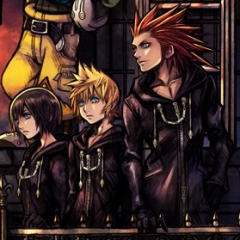
Jump to content
View in the app

A better way to browse. Learn more.

KH13 · for Kingdom Hearts

A full-screen app on your home screen with push notifications, badges and more.

To install this app on iOS and iPadOS
  1. Tap the Share icon in Safari
  2. Scroll the menu and tap Add to Home Screen.
  3. Tap Add in the top-right corner.
To install this app on Android
  1. Tap the 3-dot menu (⋮) in the top-right corner of the browser.
  2. Tap Add to Home screen or Install app.
  3. Confirm by tapping Install.

Kingdom Hearts Dream Drop Distance HD

  • Updated version of:
  • Original release date: 12 Jan 2017
  • Platforms: PlayStation 4 Xbox One Nintendo Switch Windows
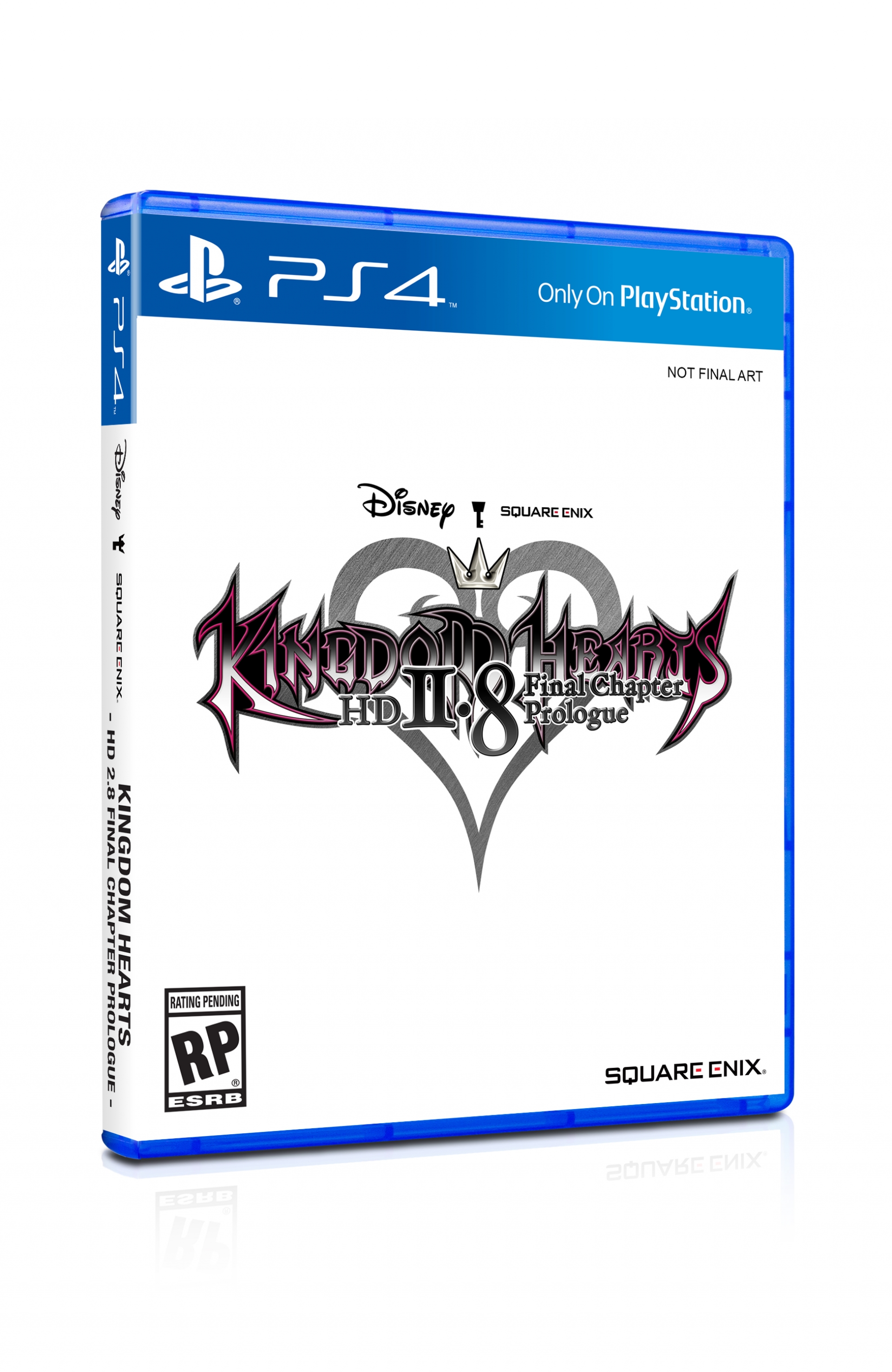
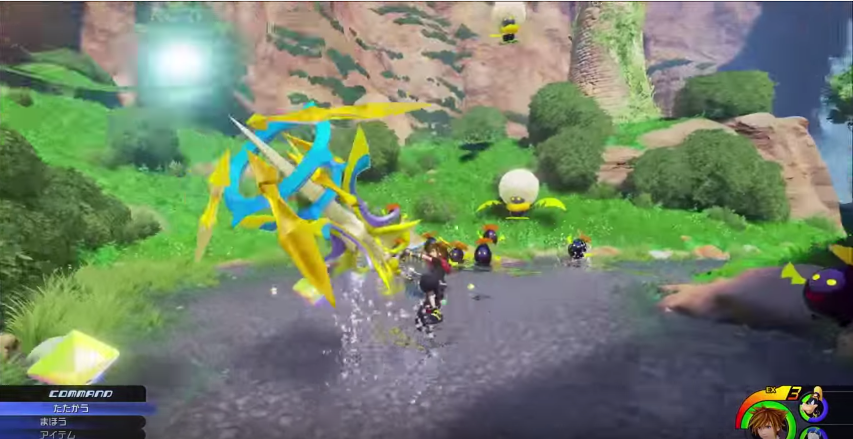
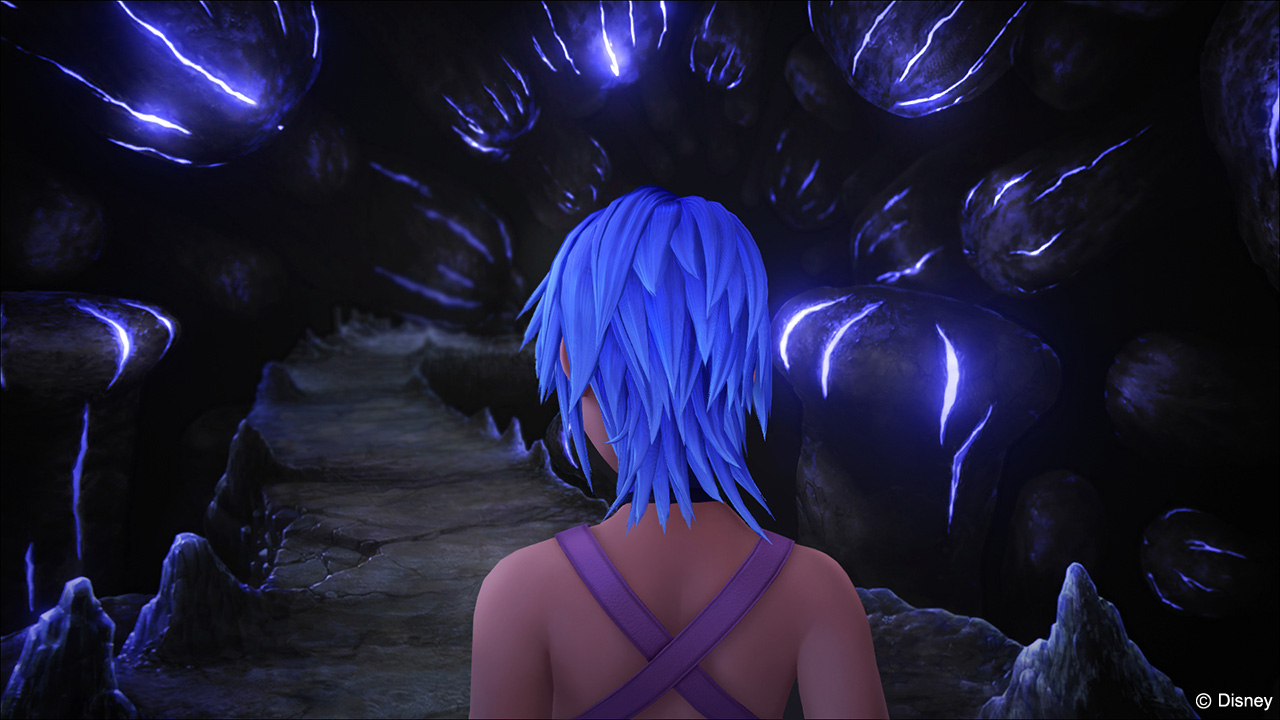
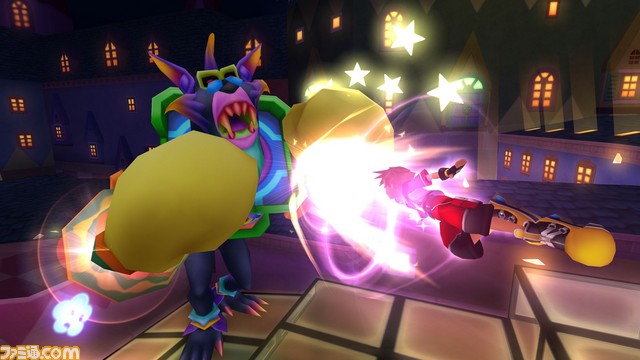
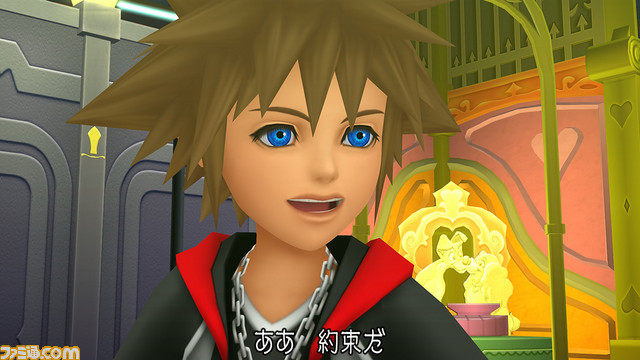
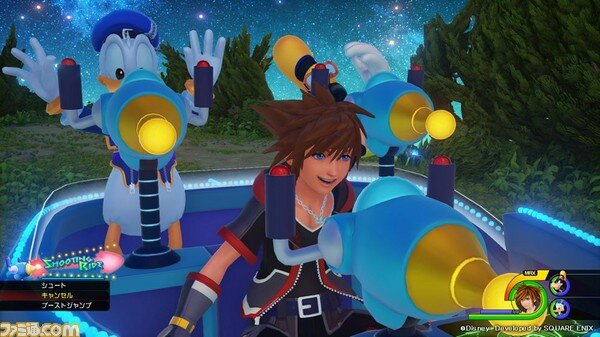
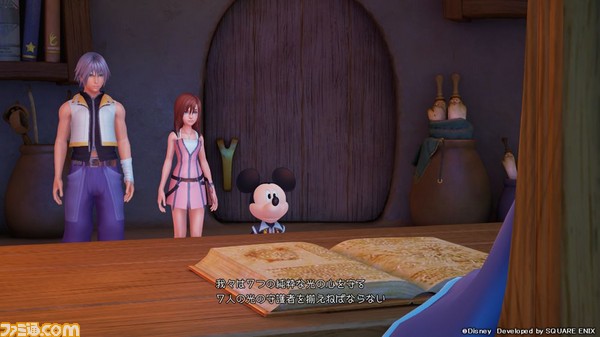
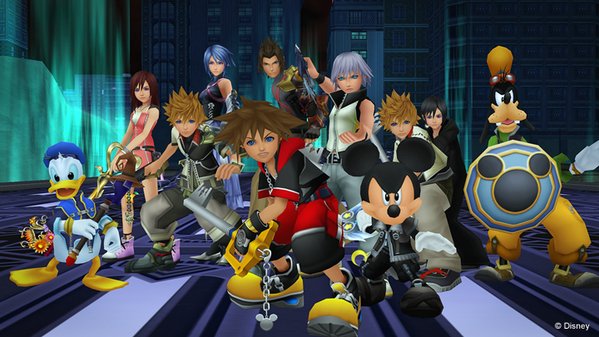
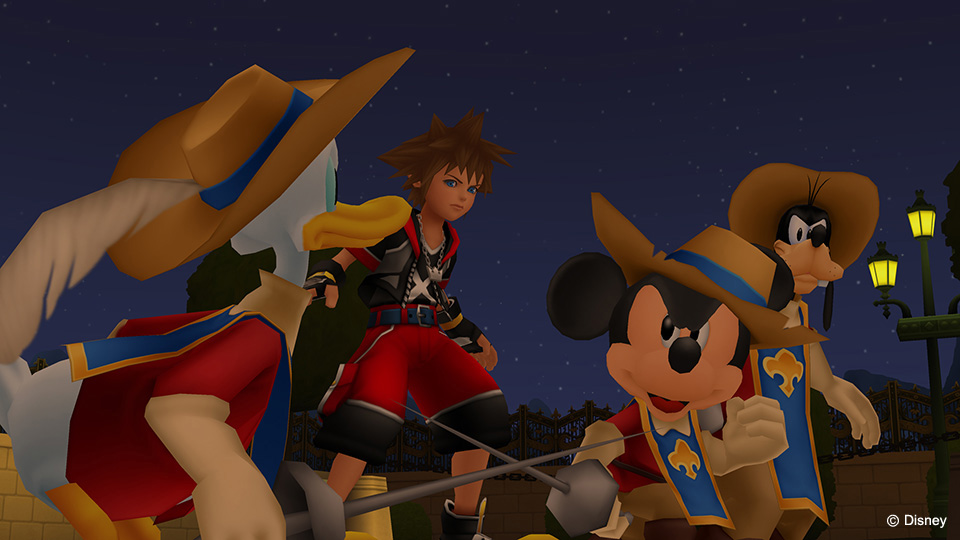
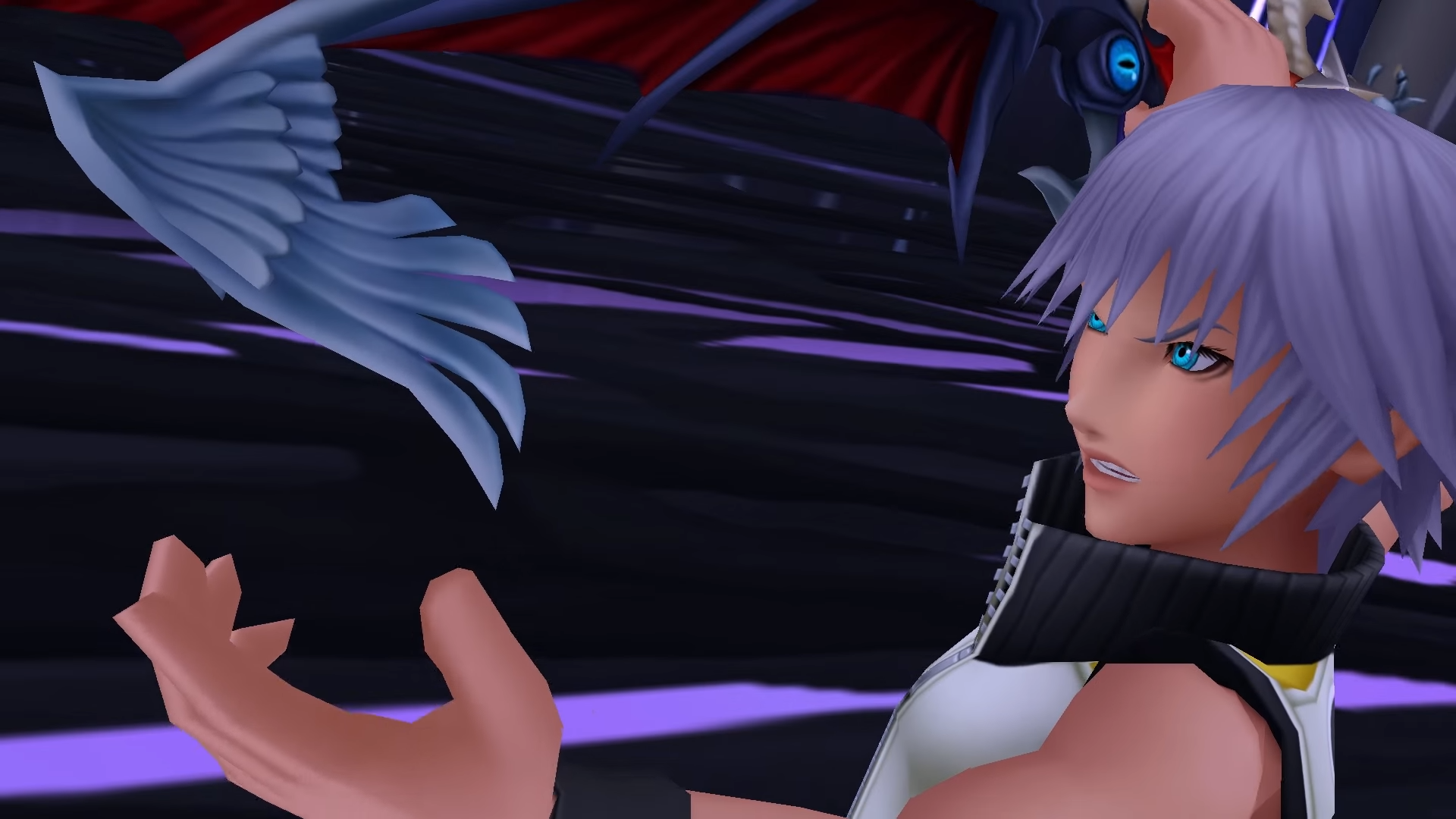
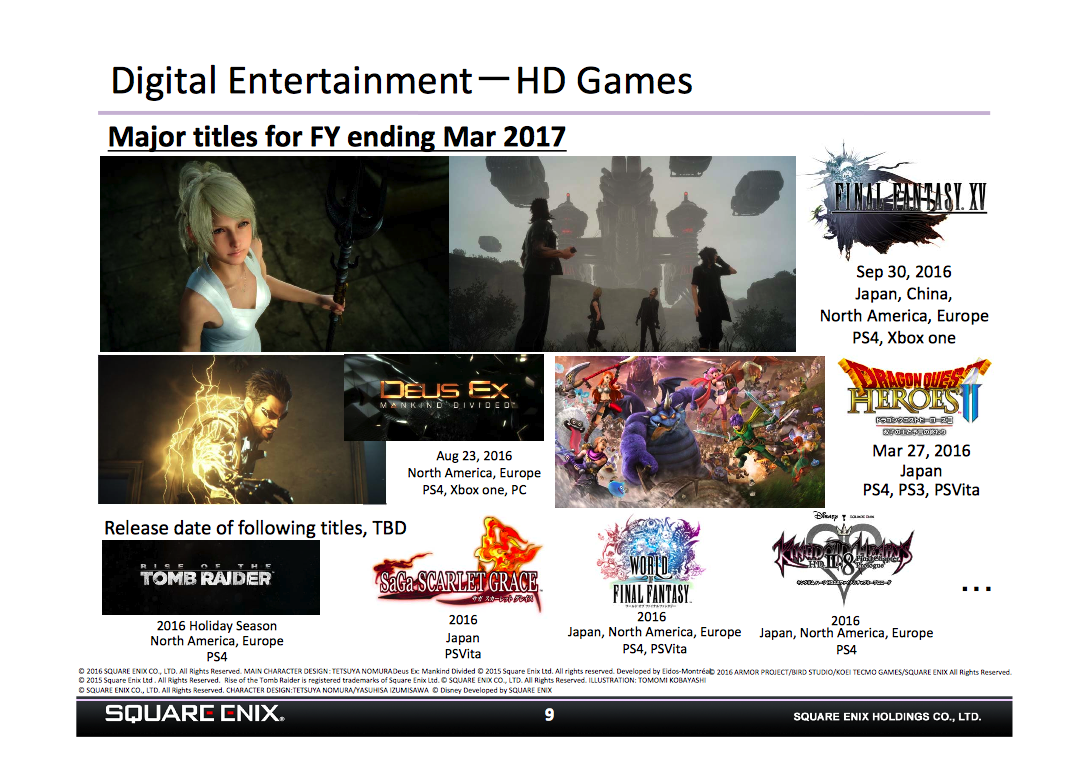
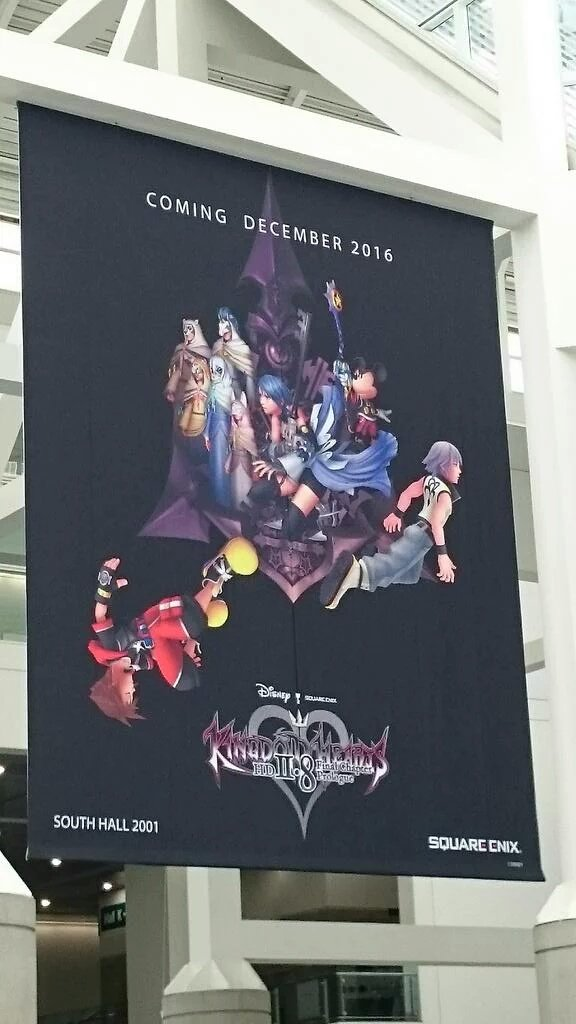
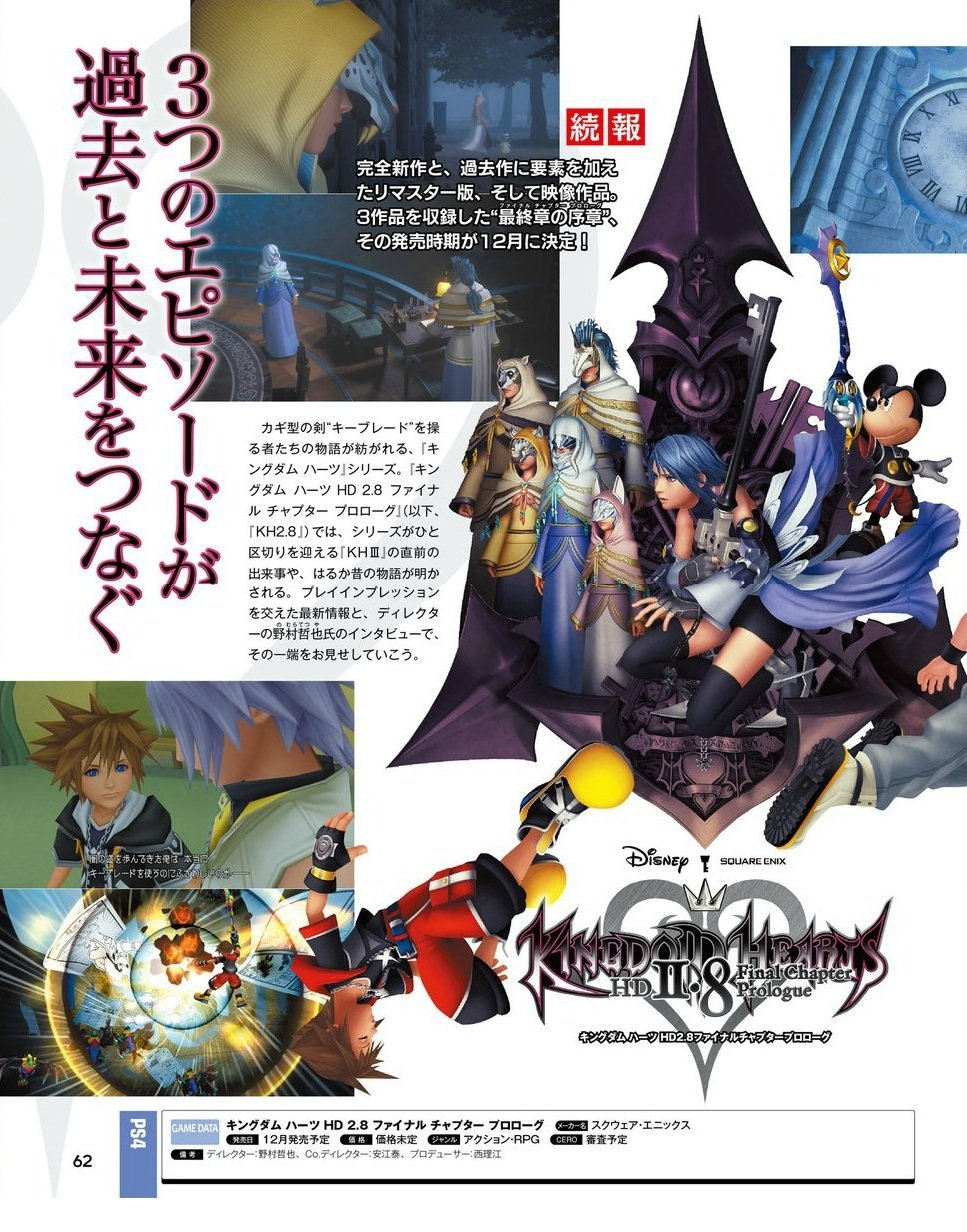
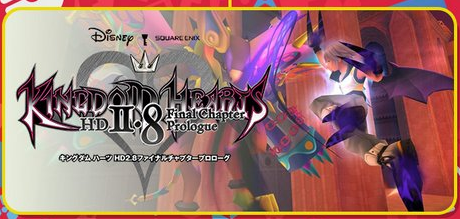
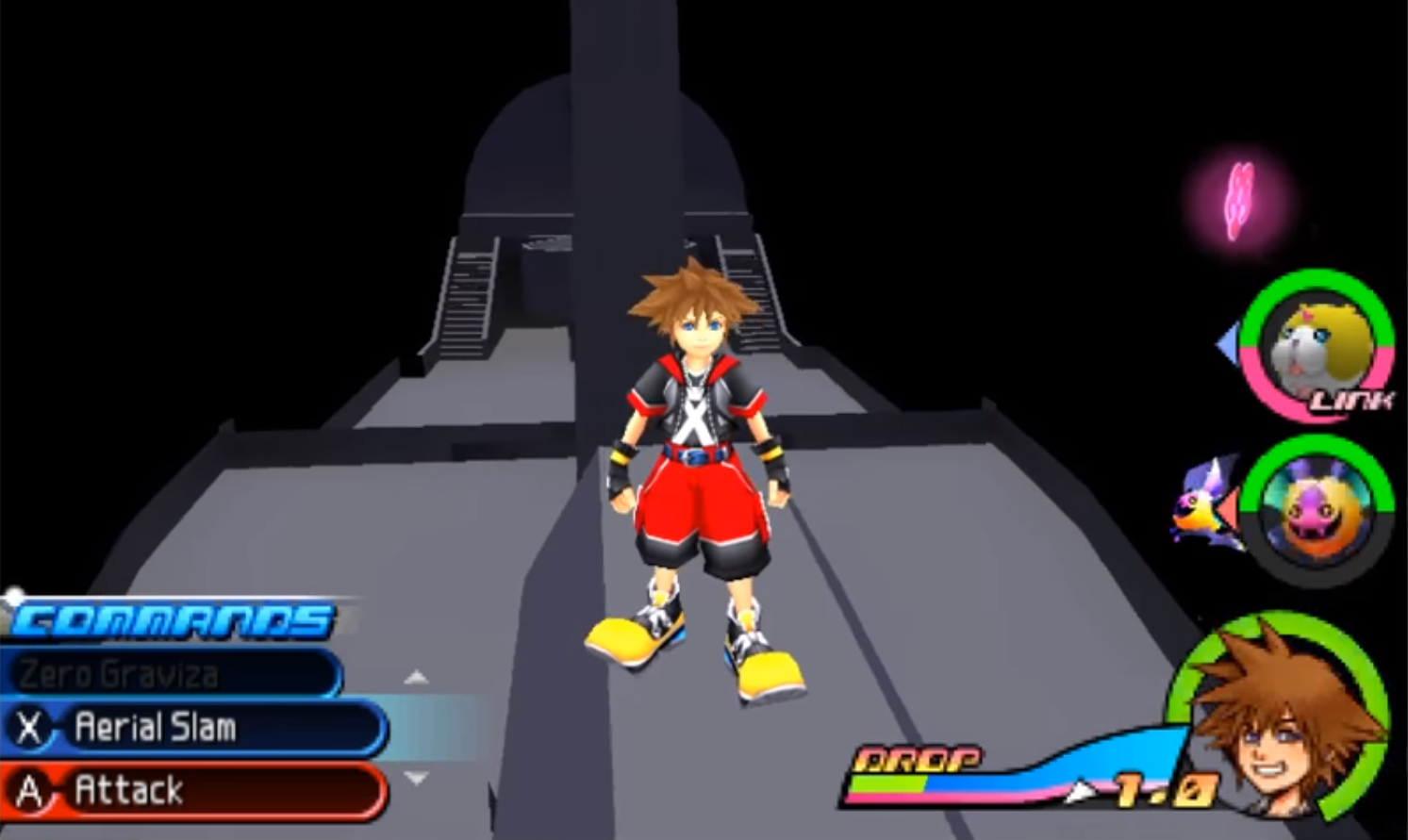
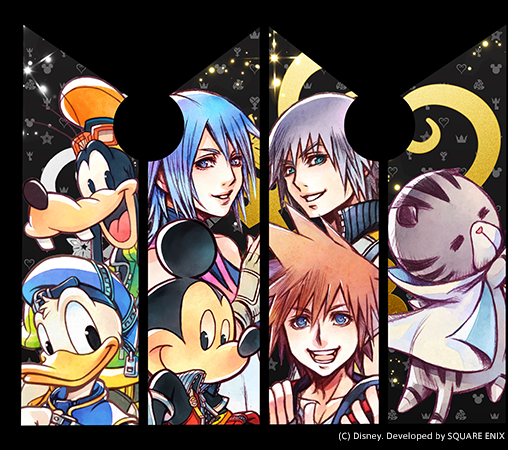
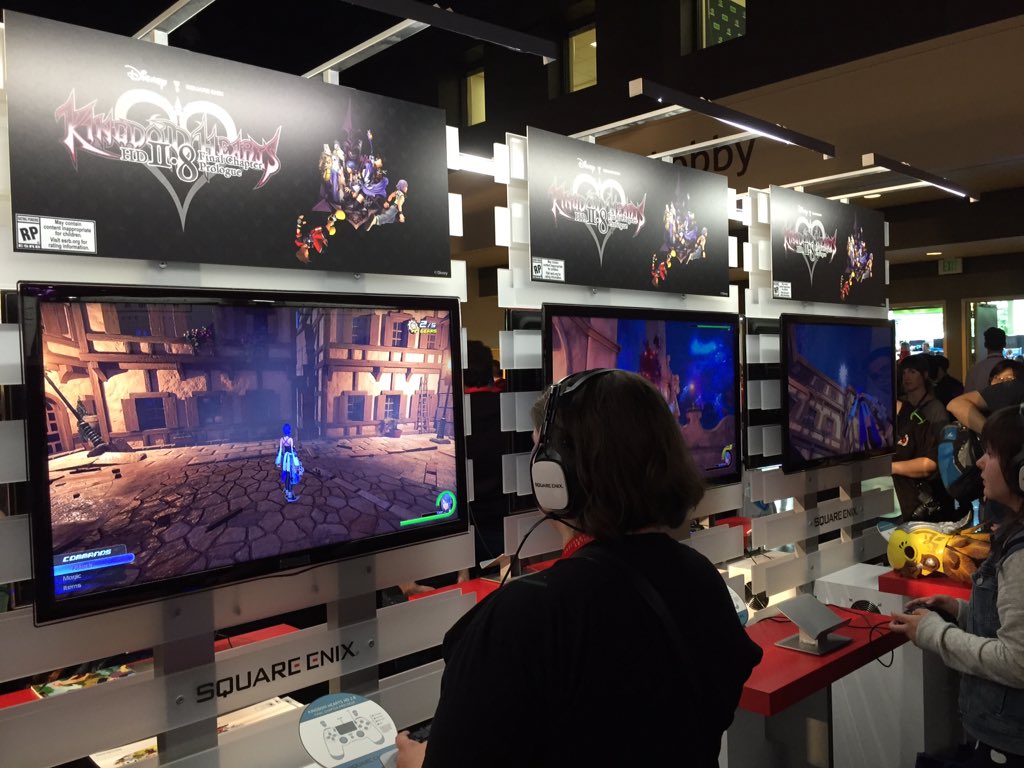
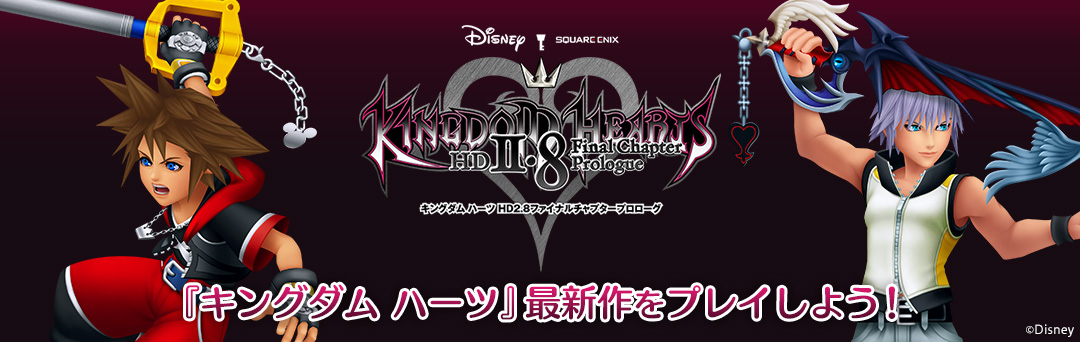
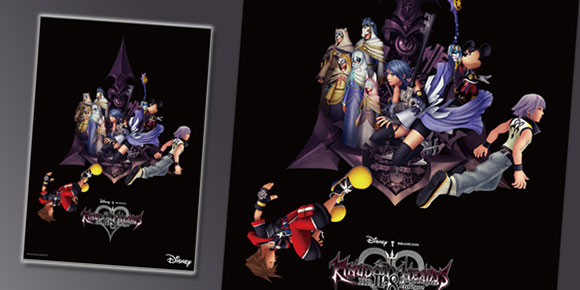
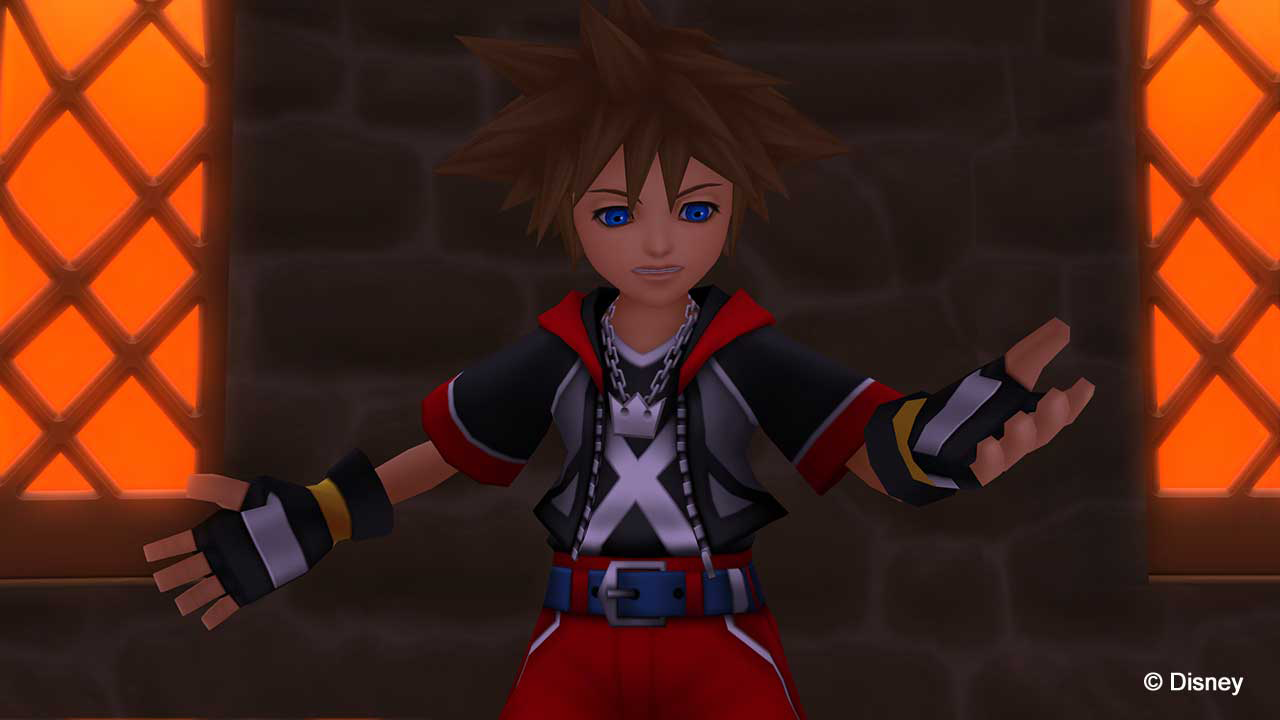
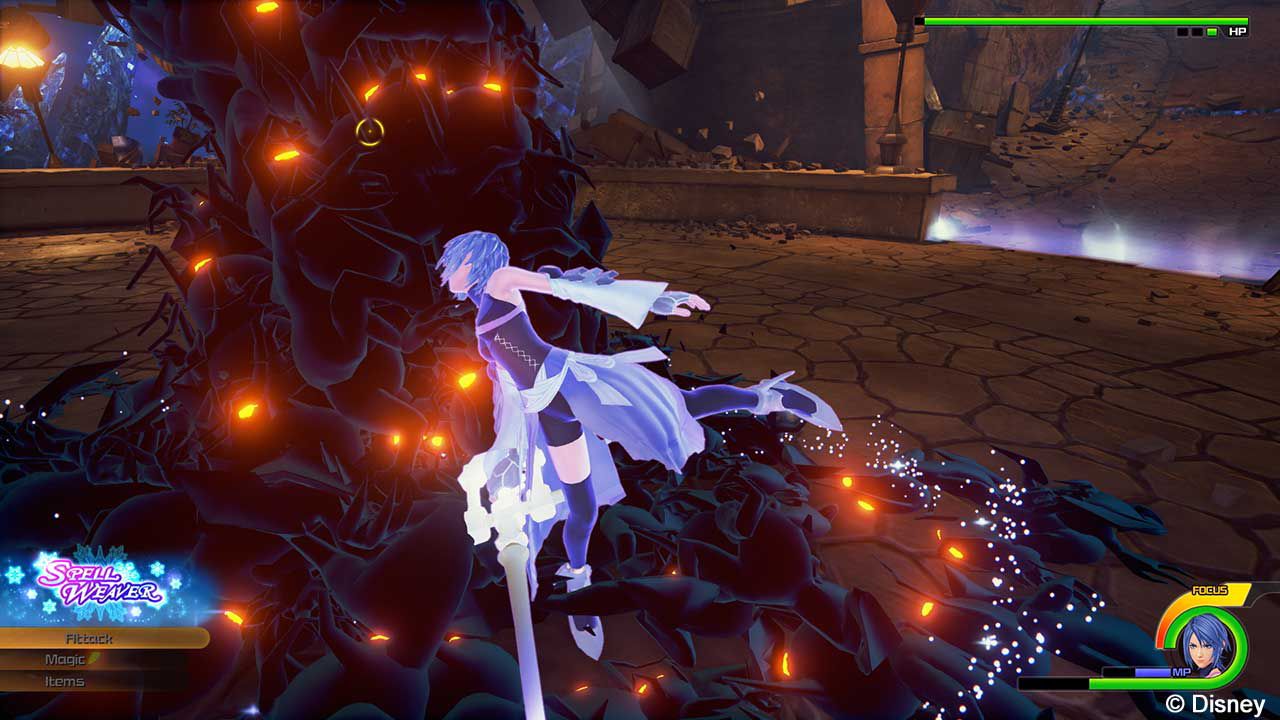
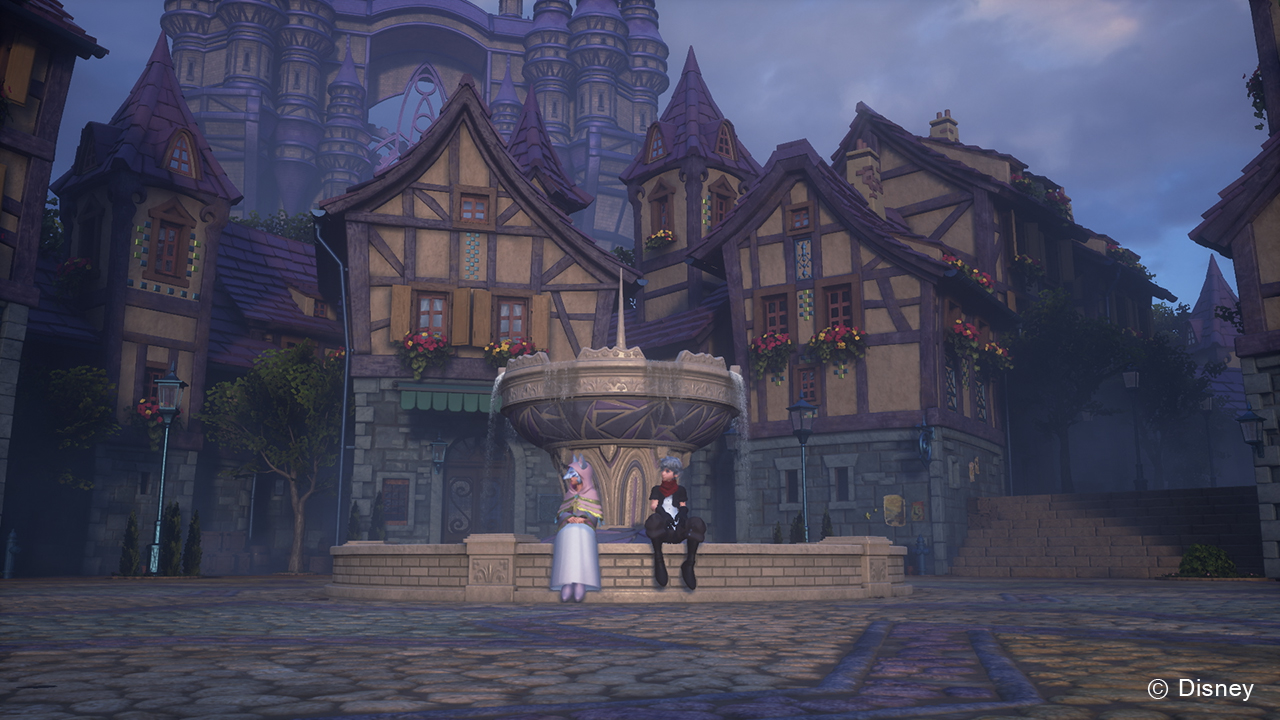
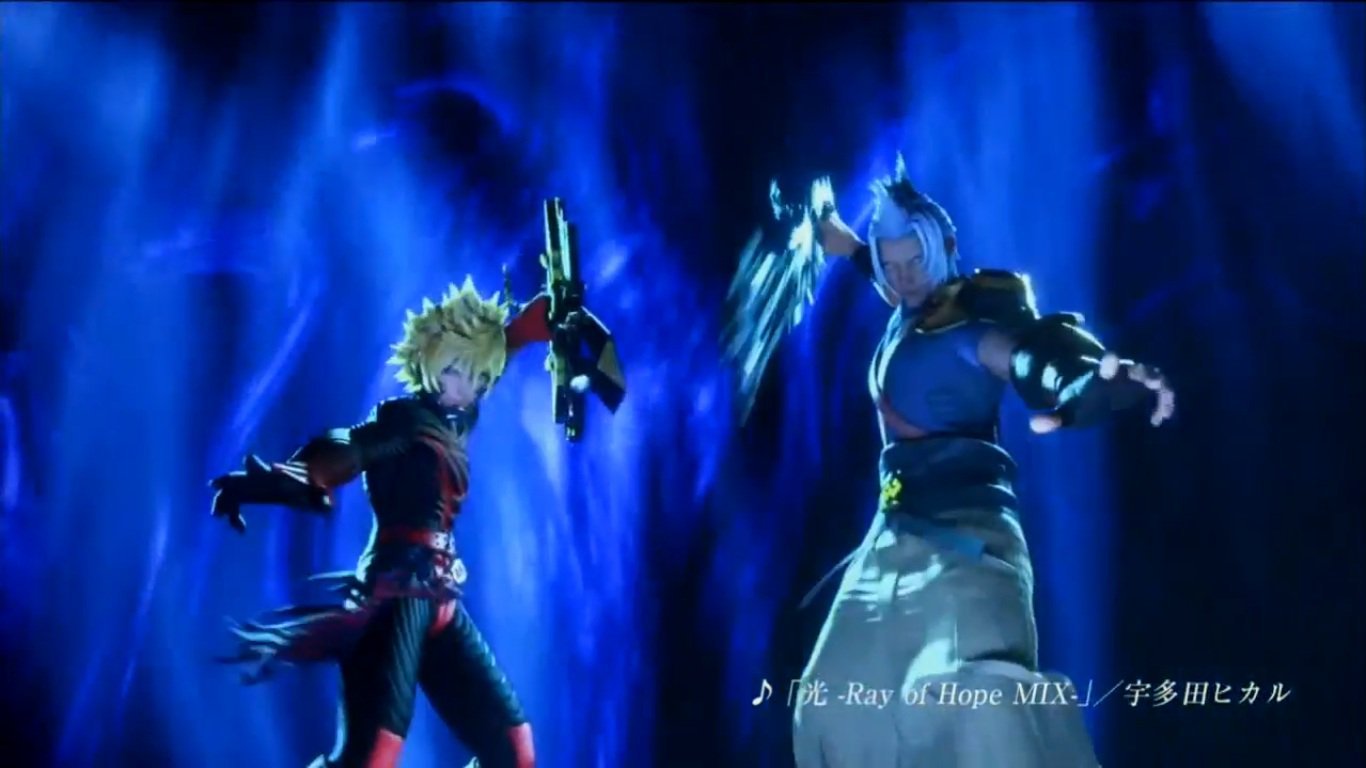
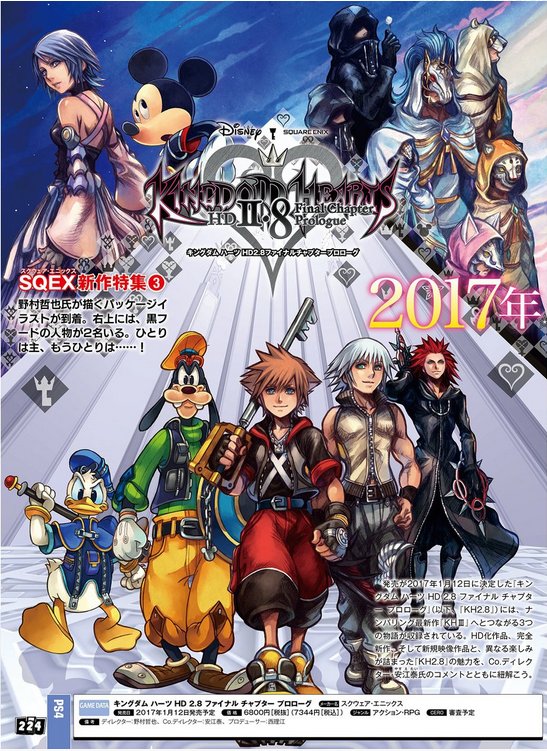
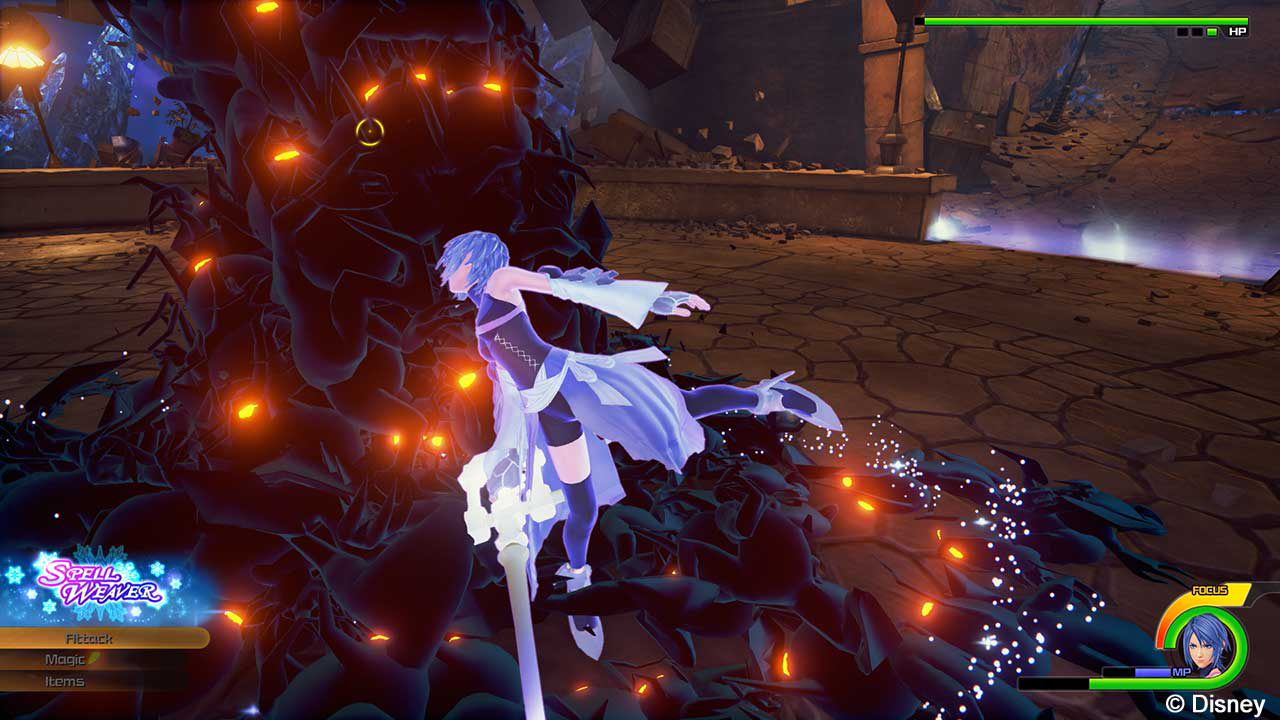
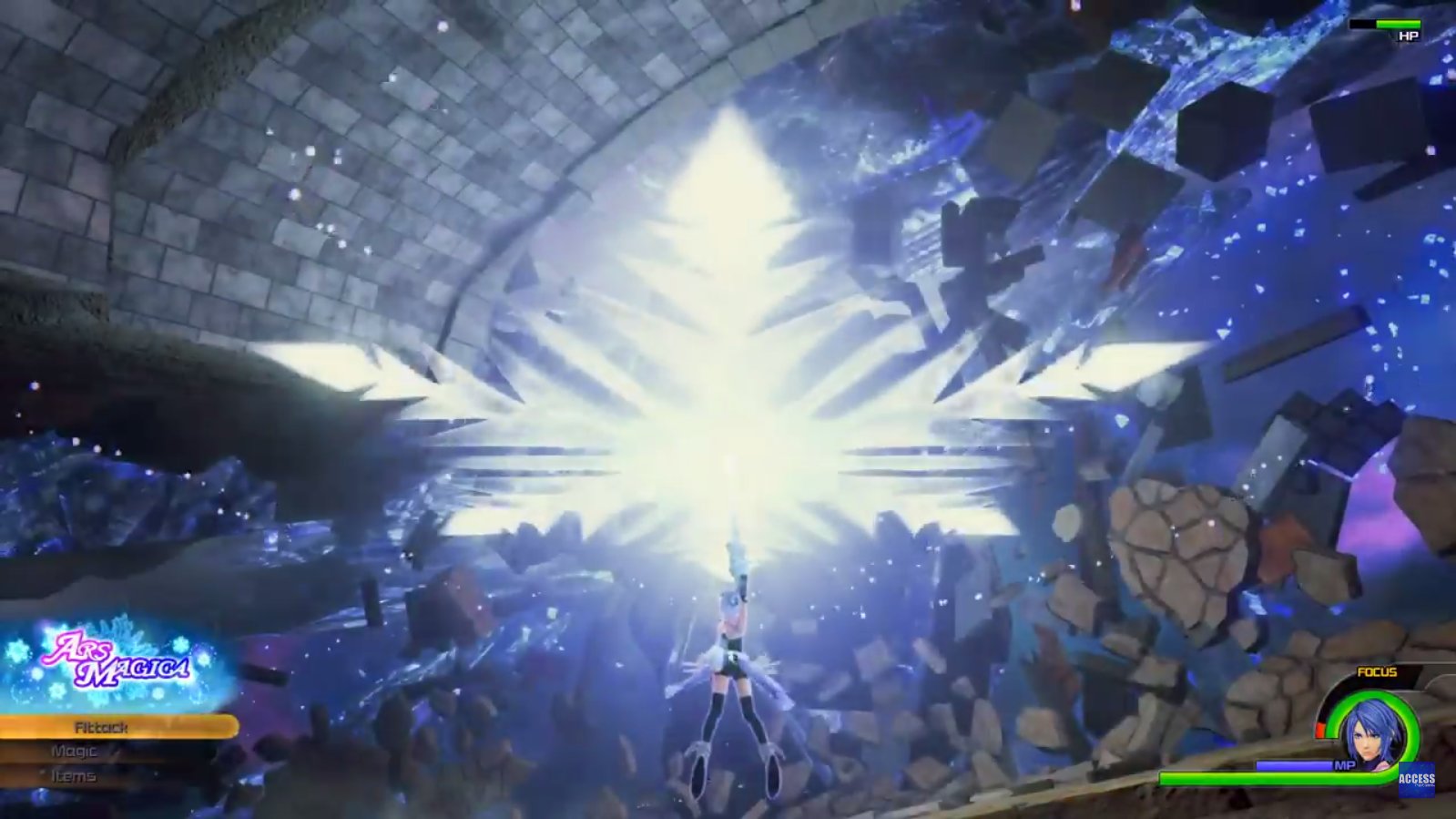
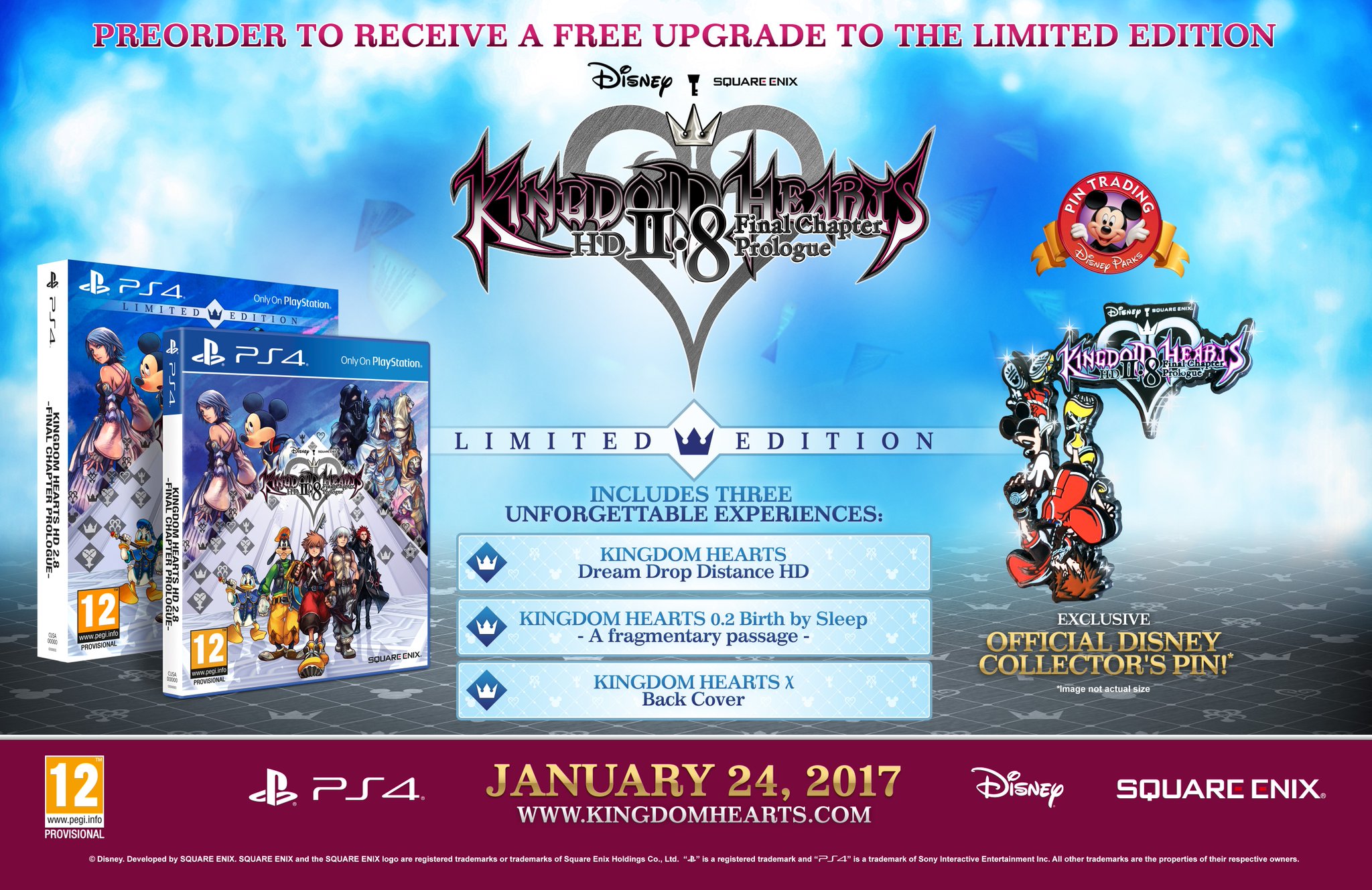
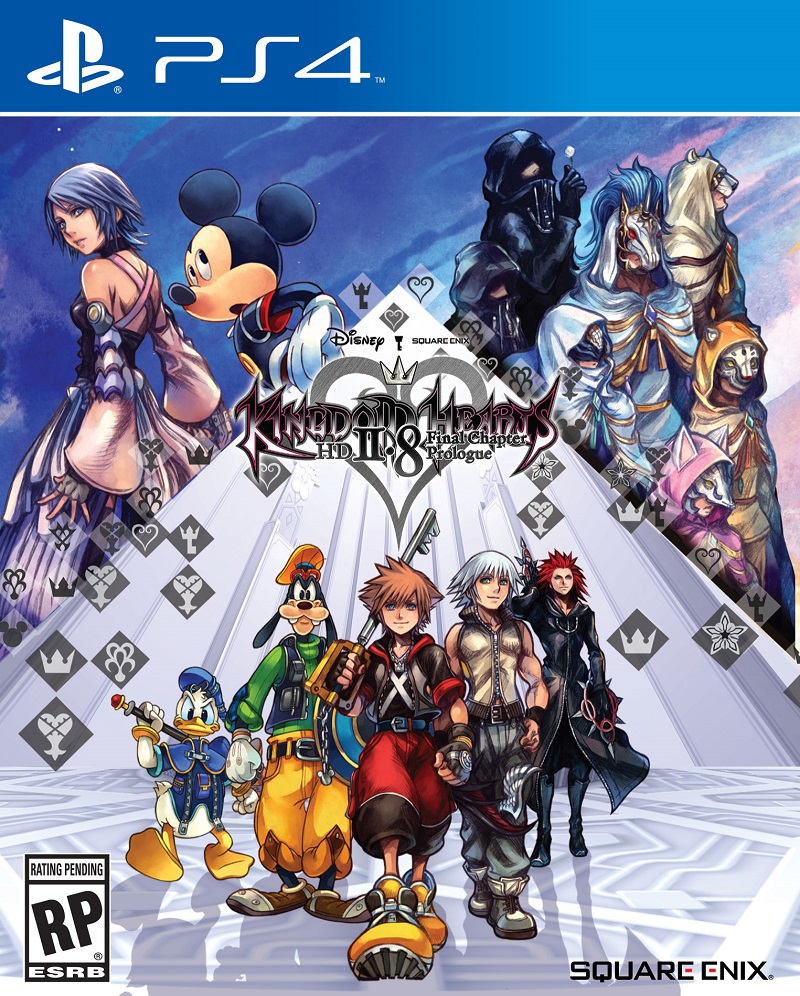
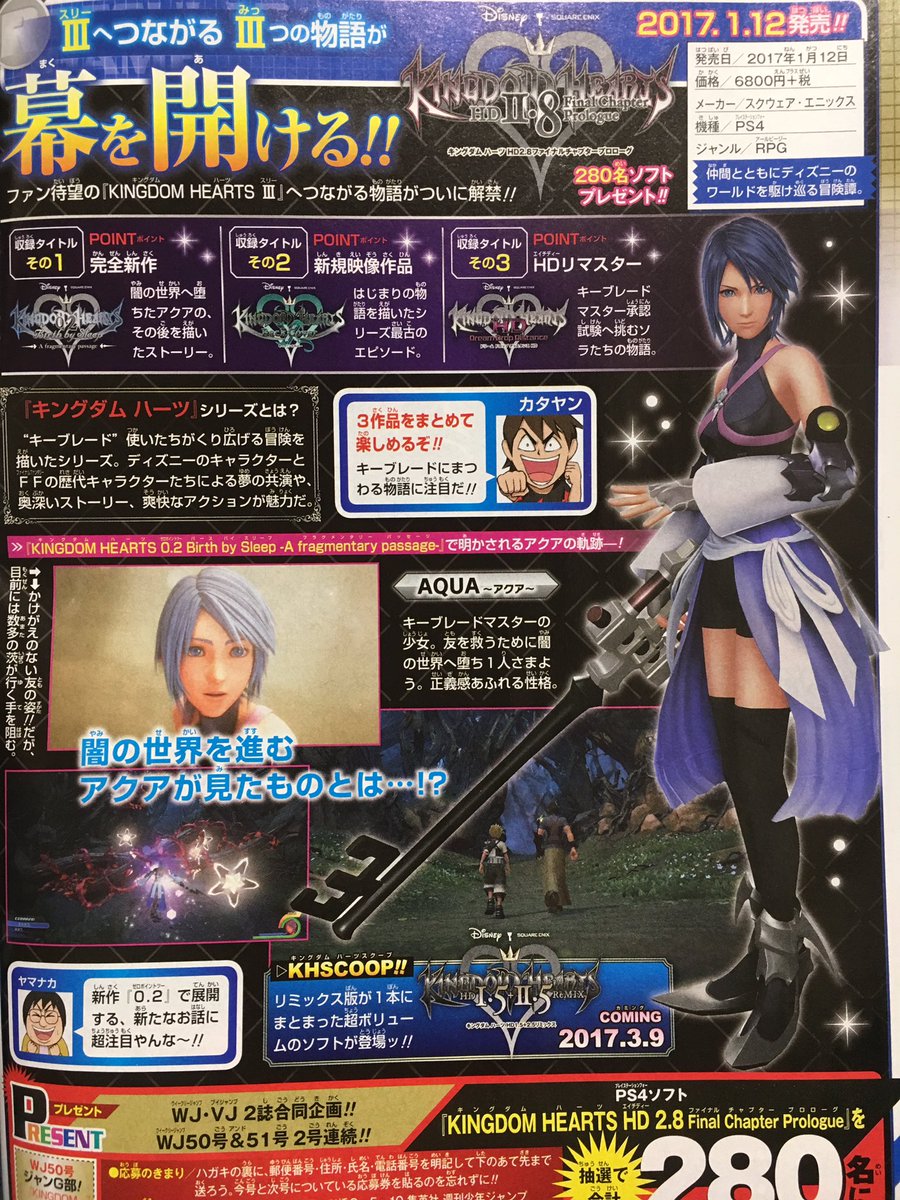
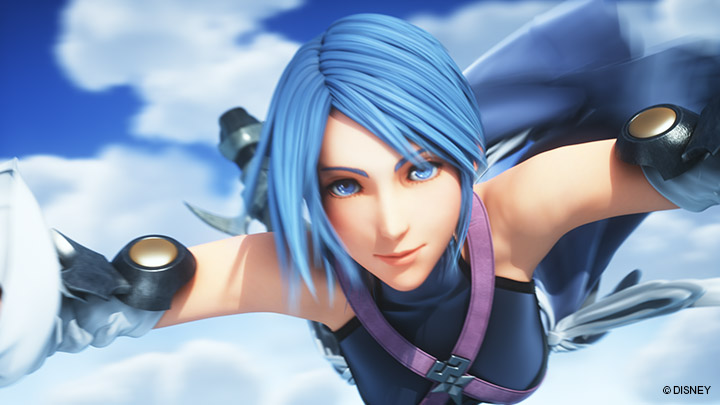
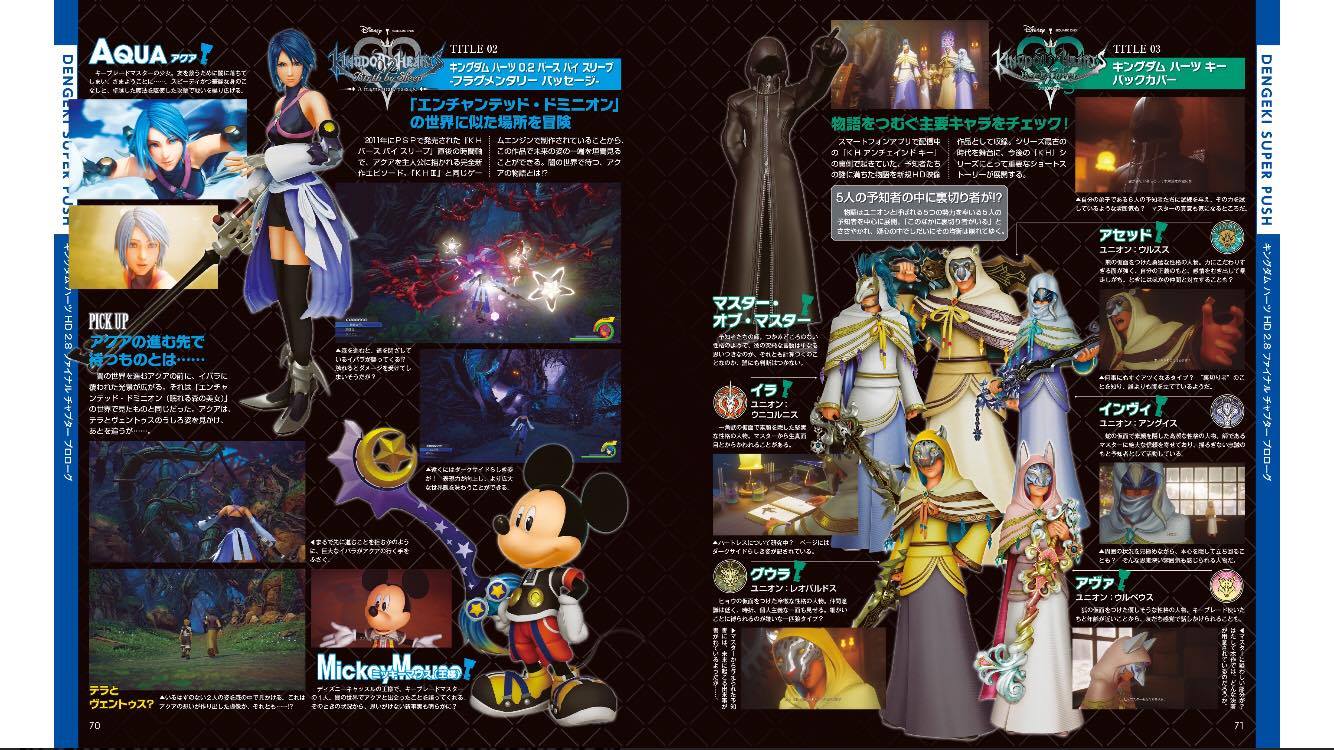
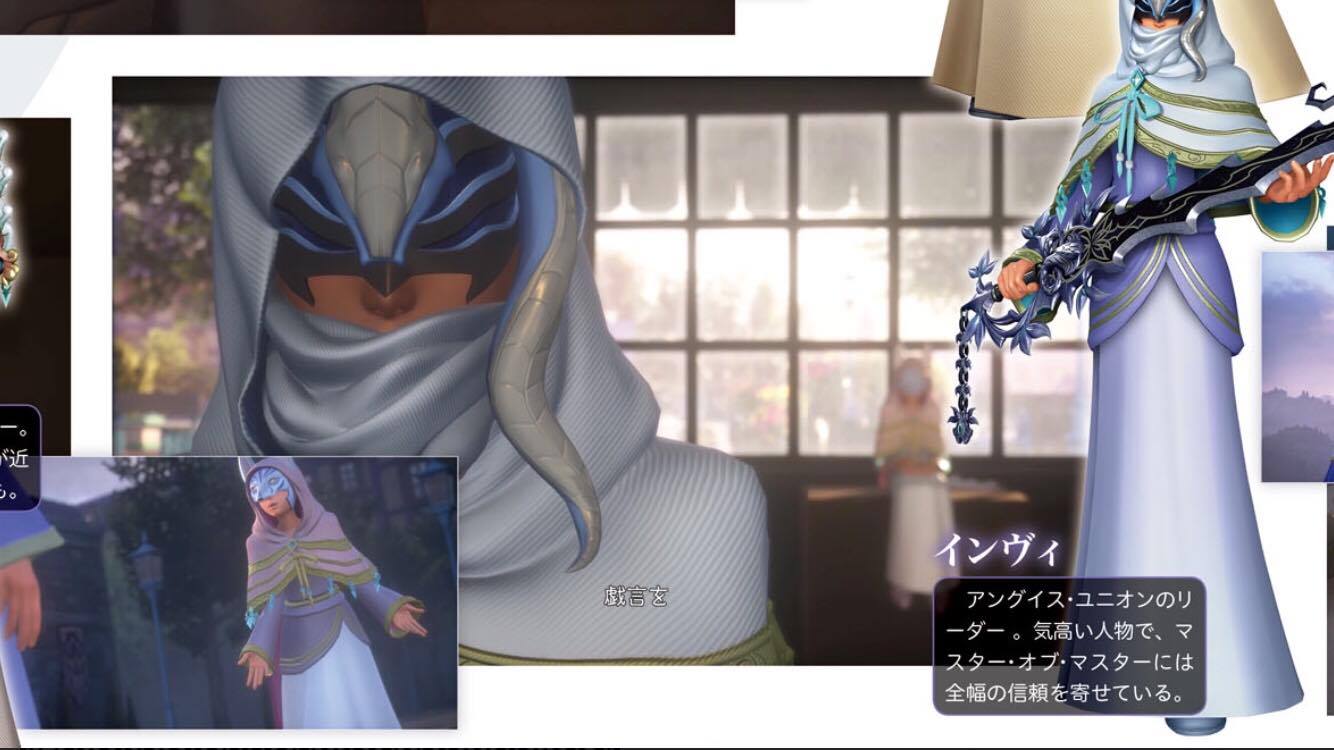
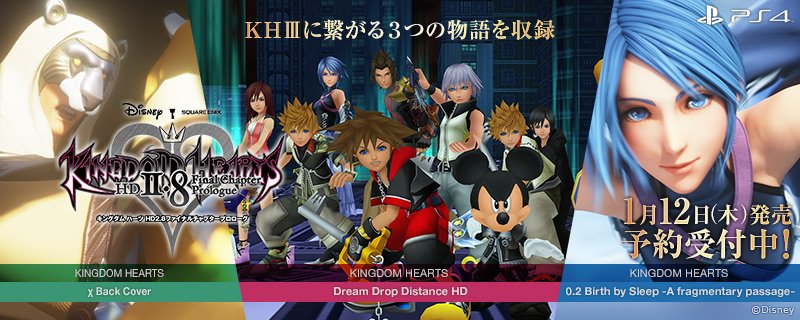
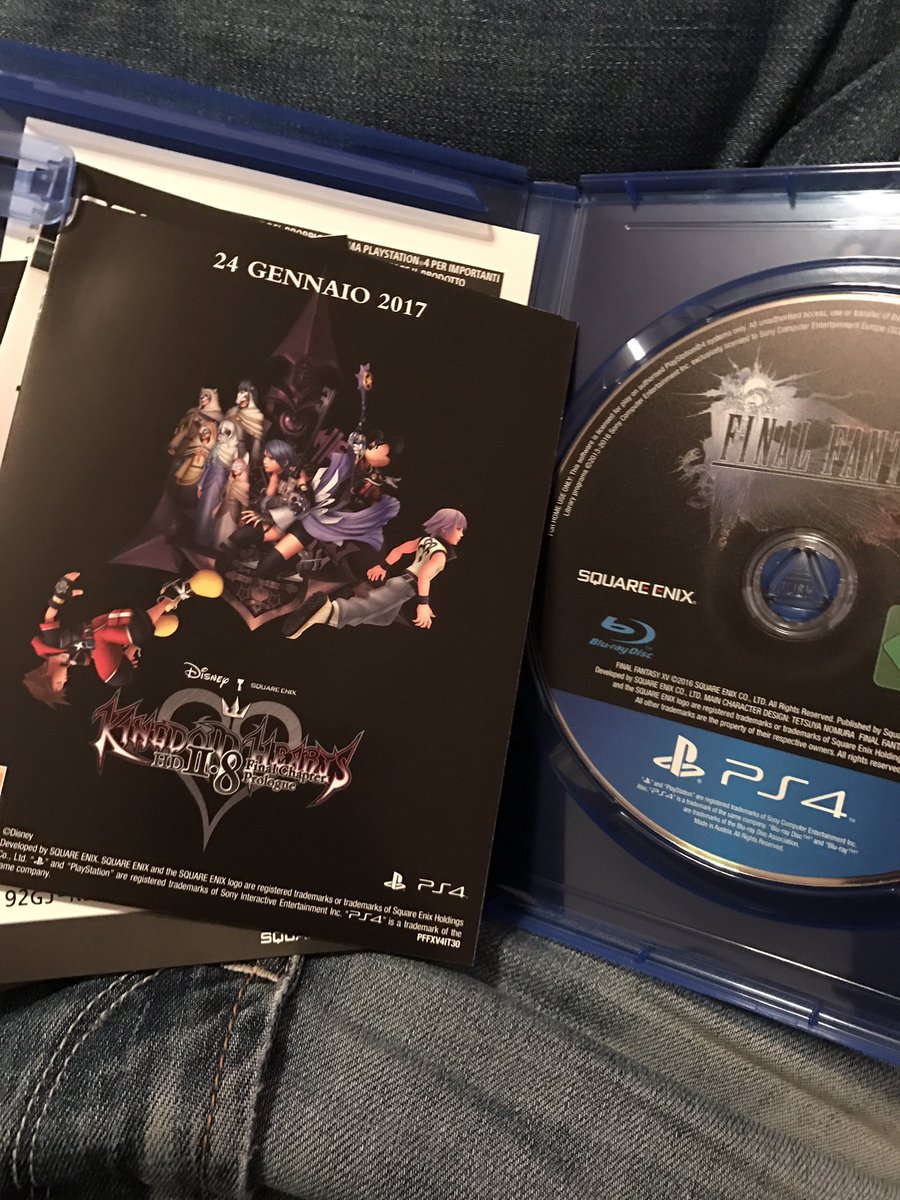
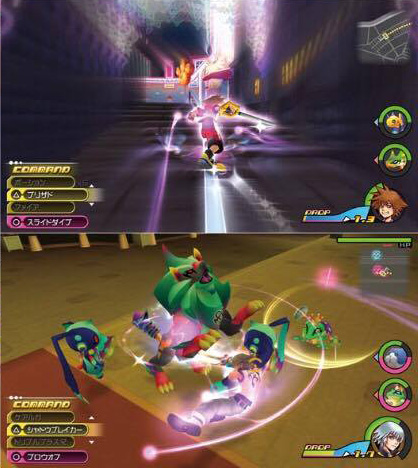
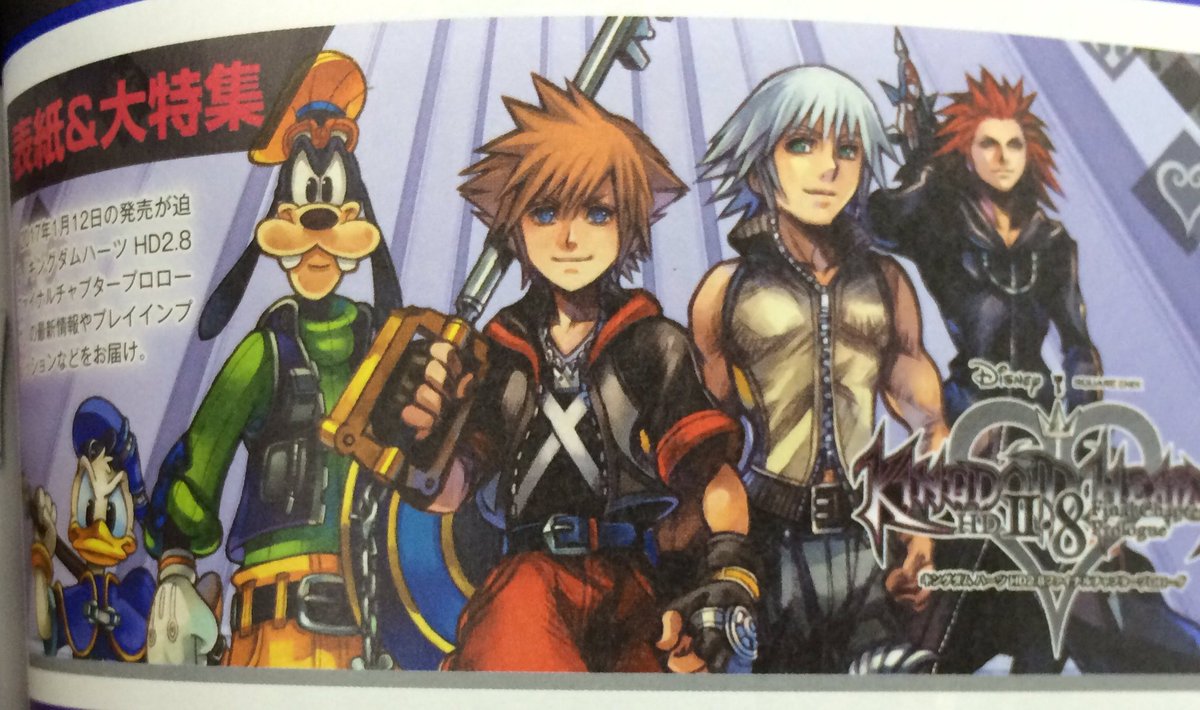
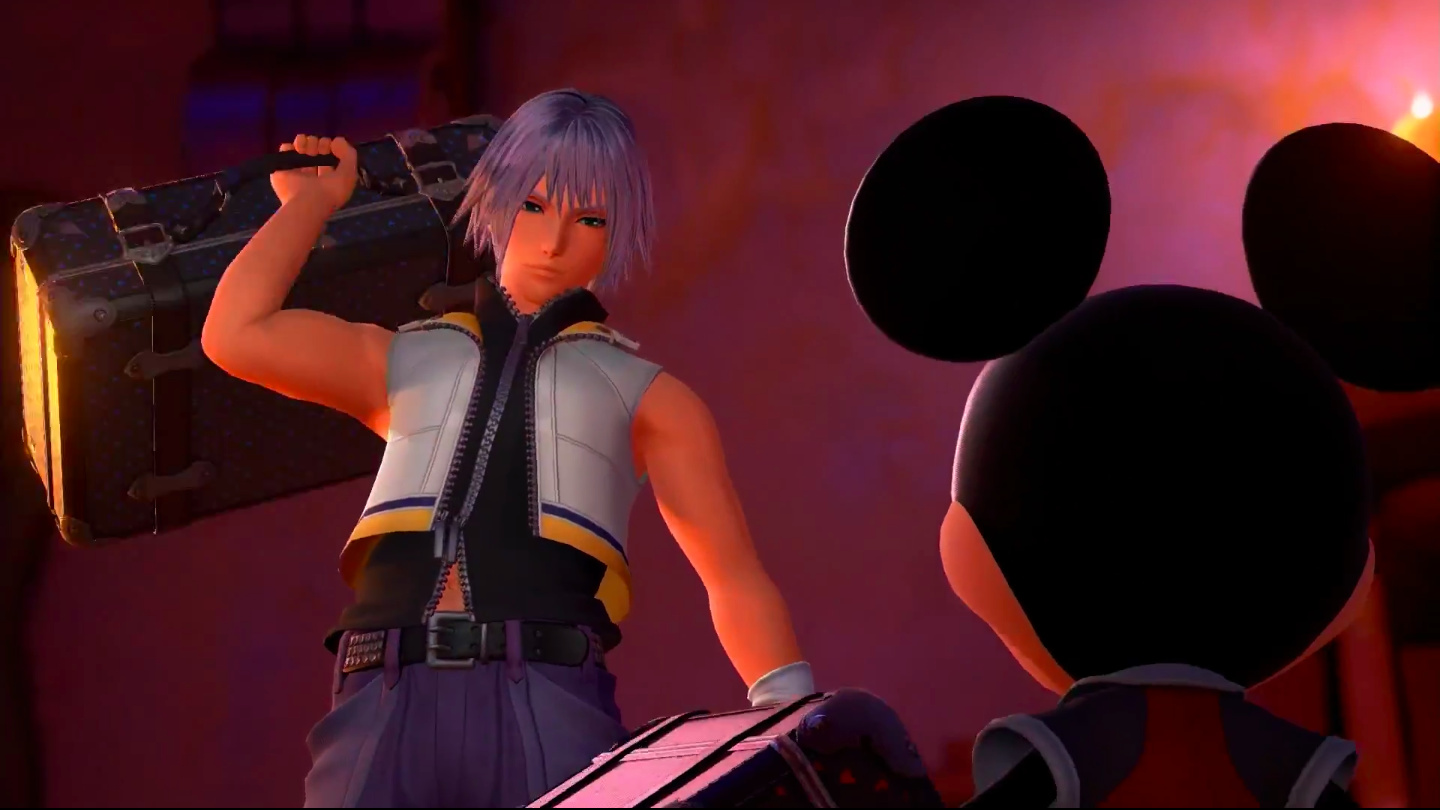
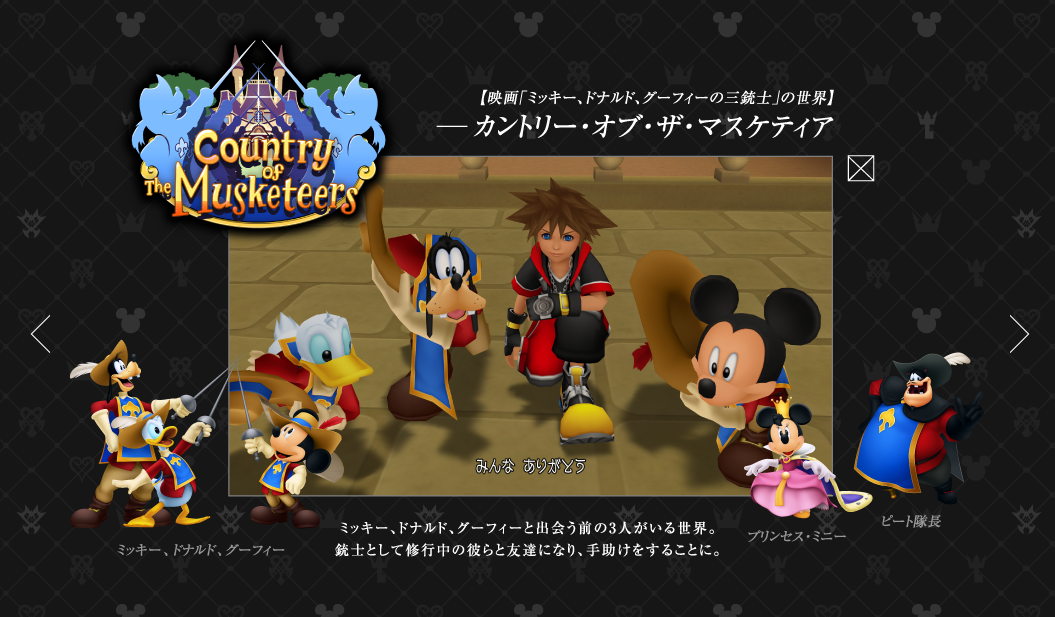
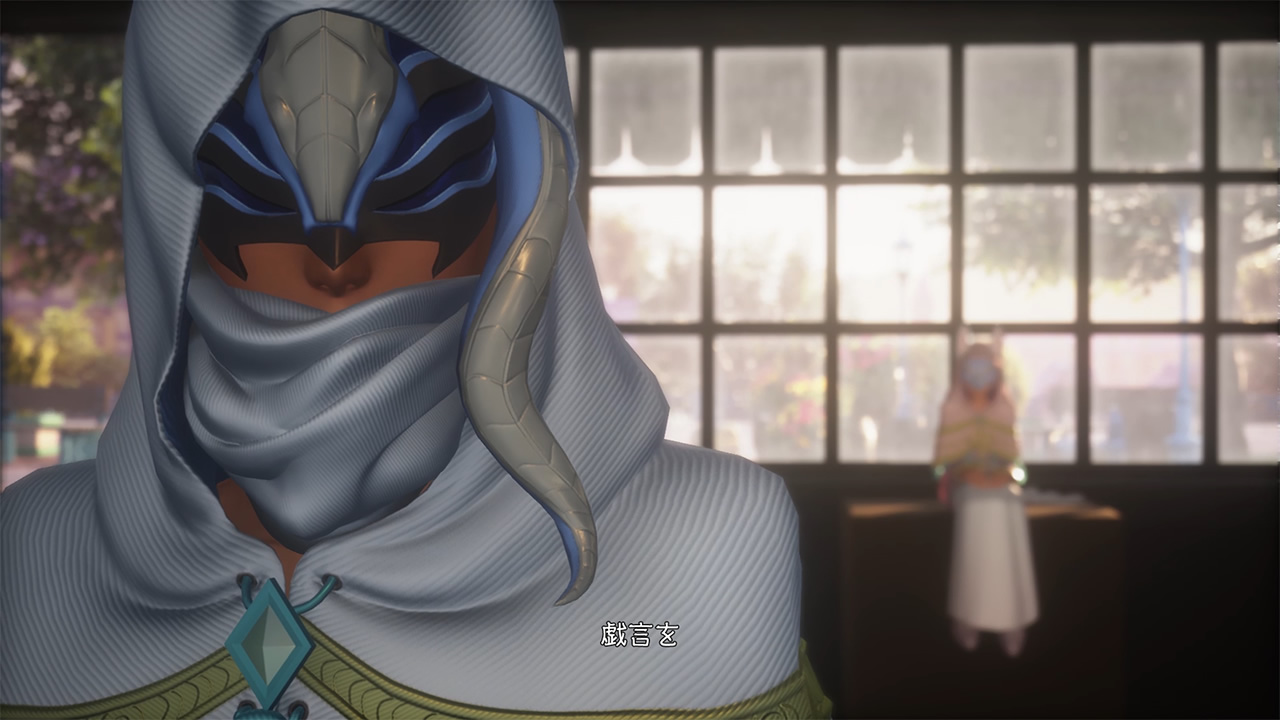
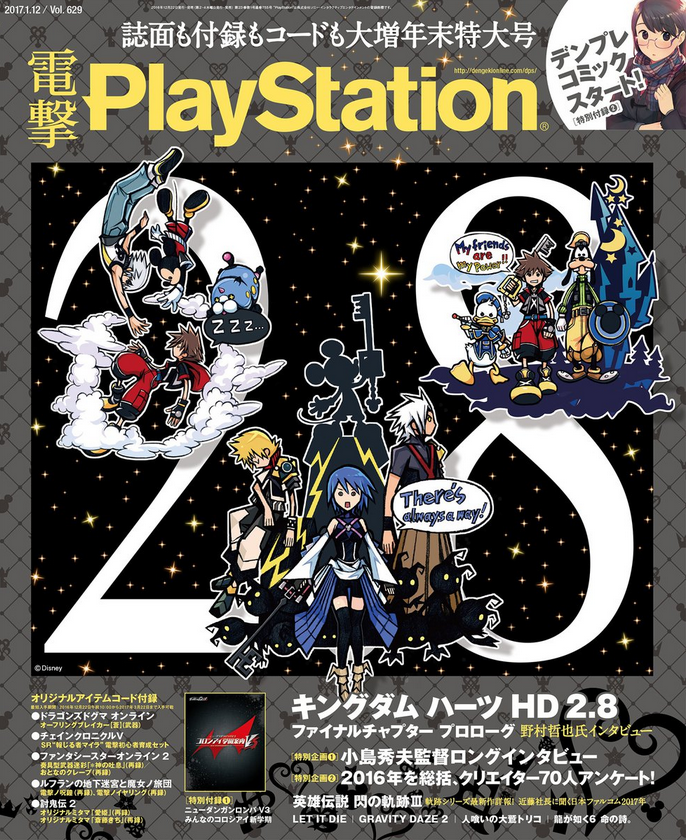
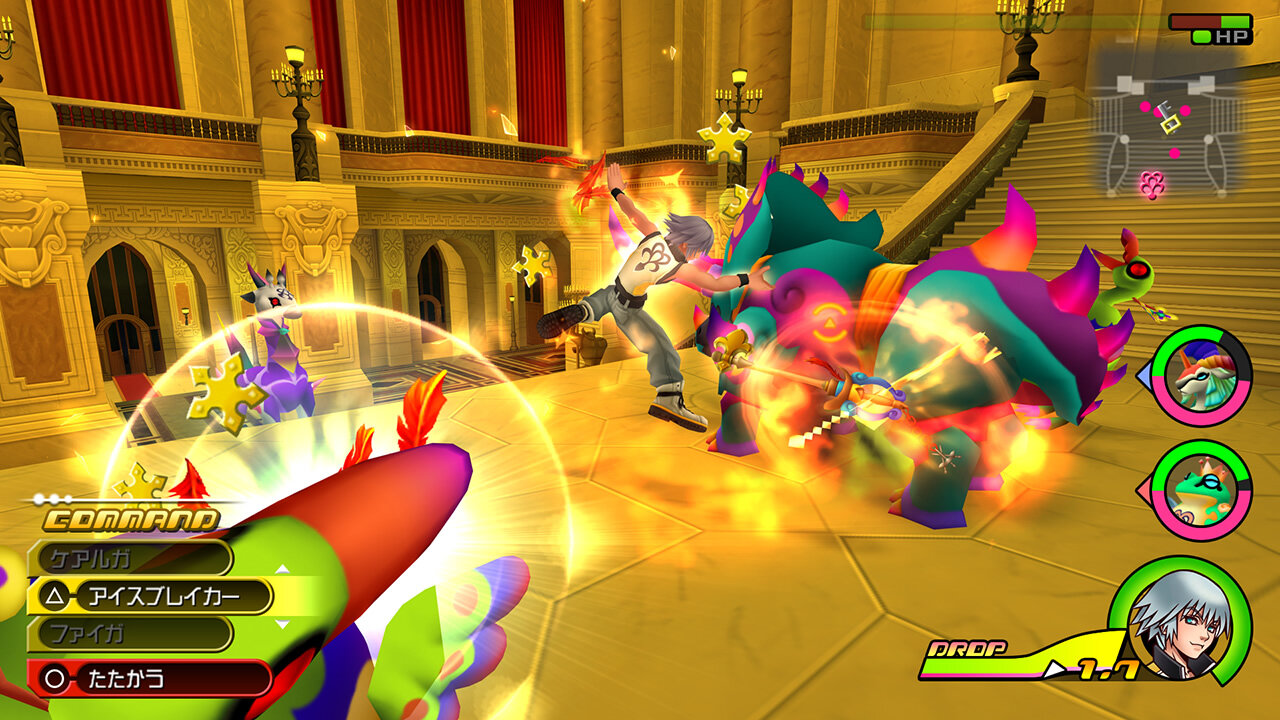
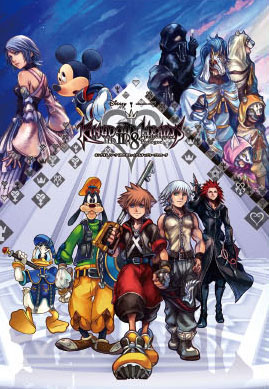
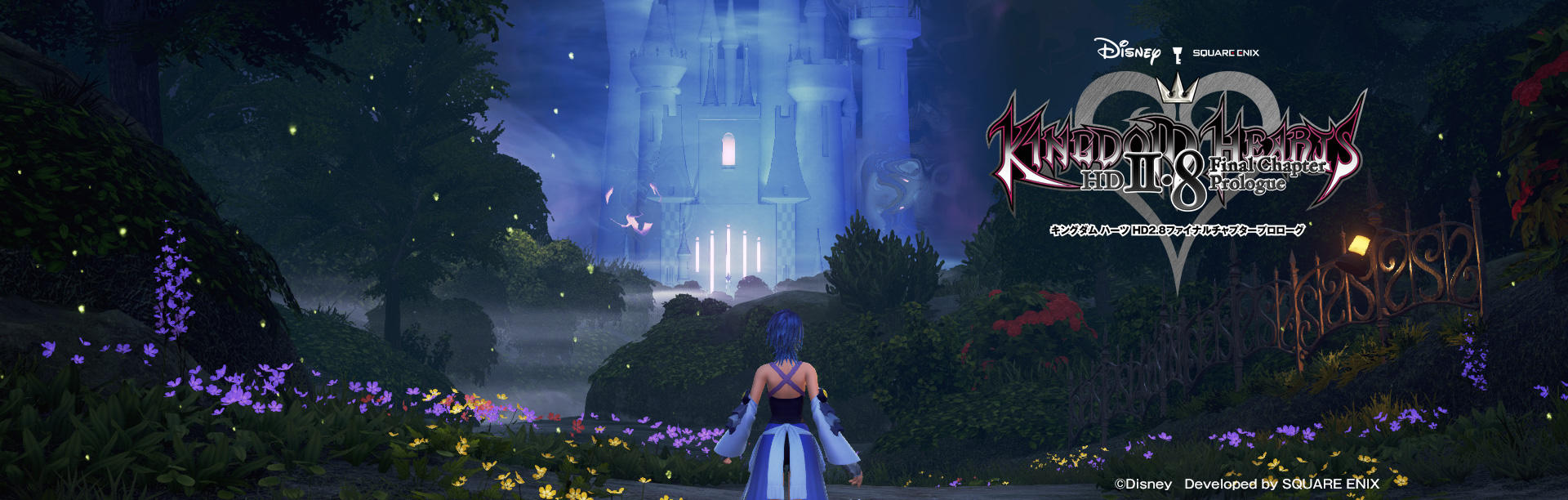
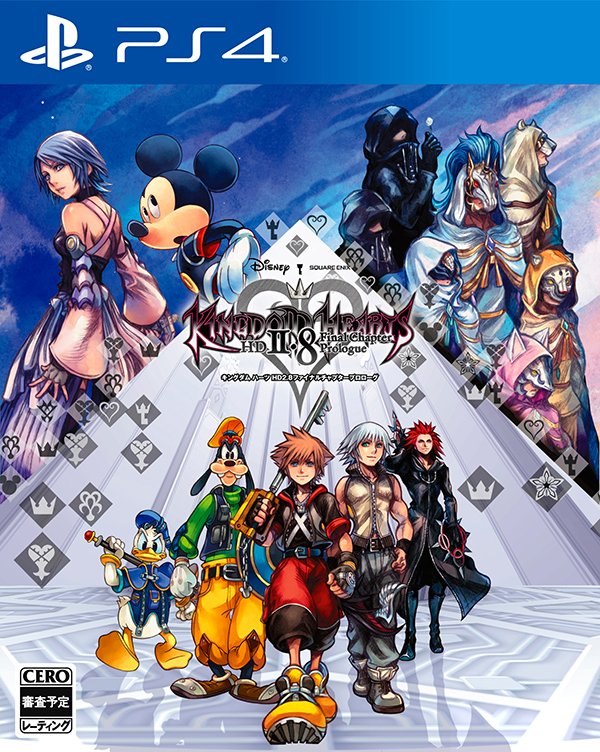
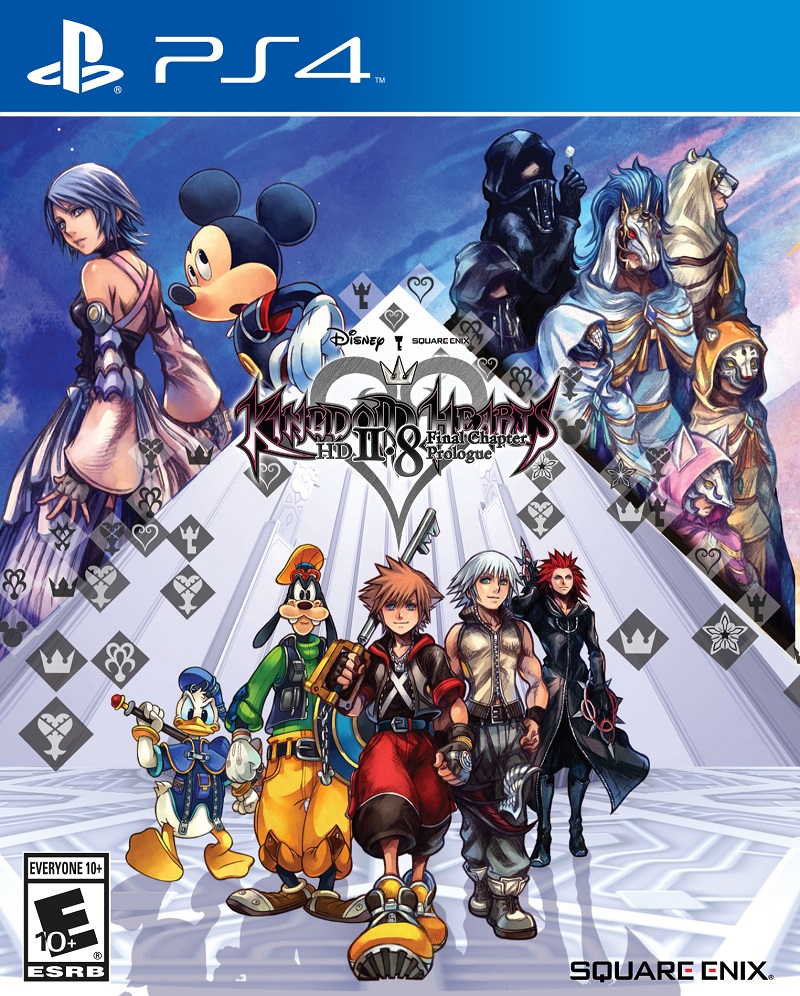
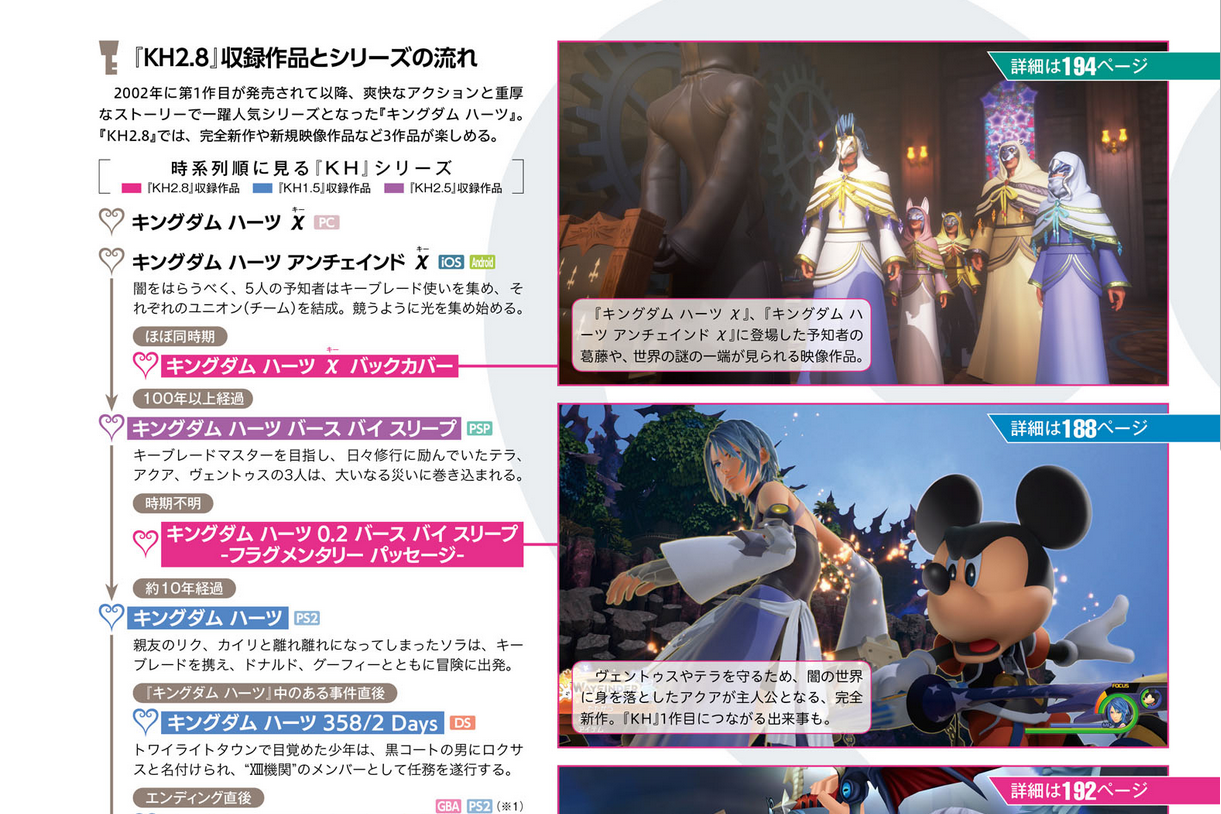
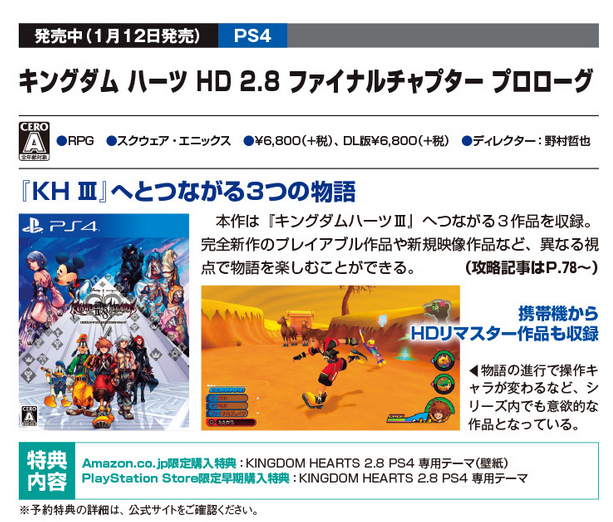
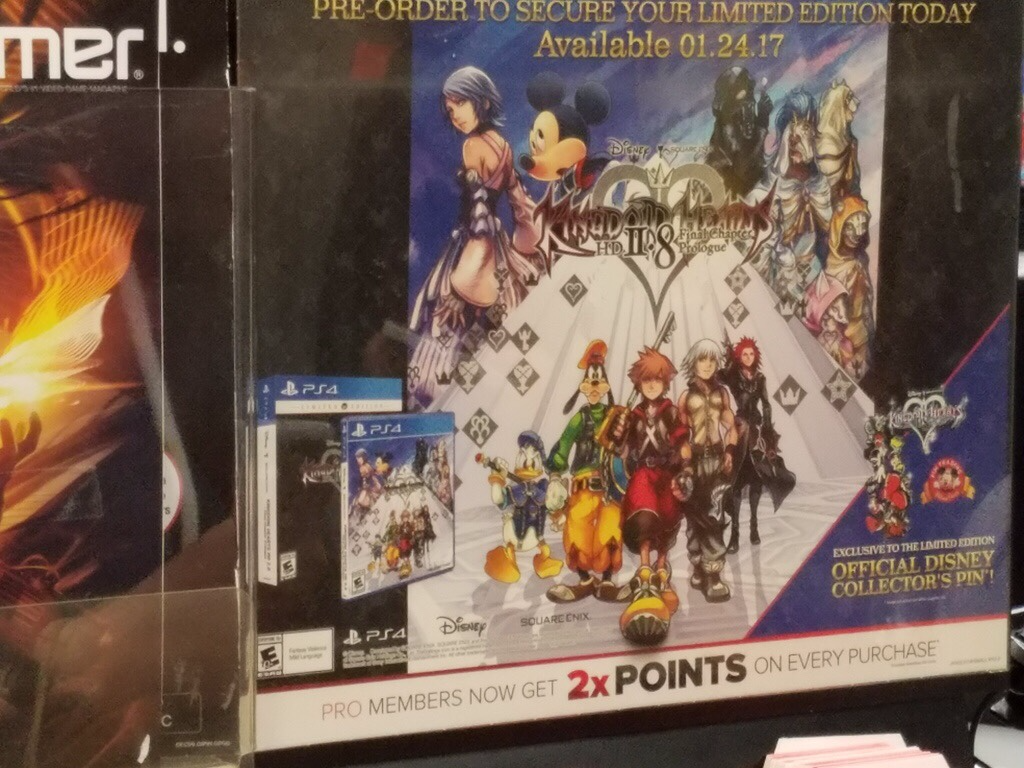
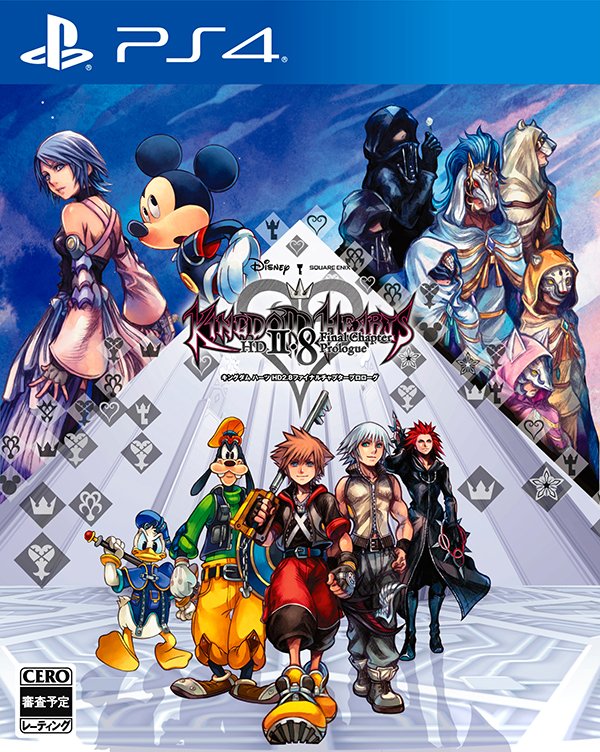
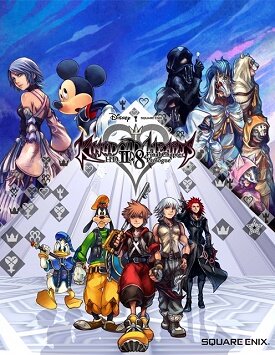
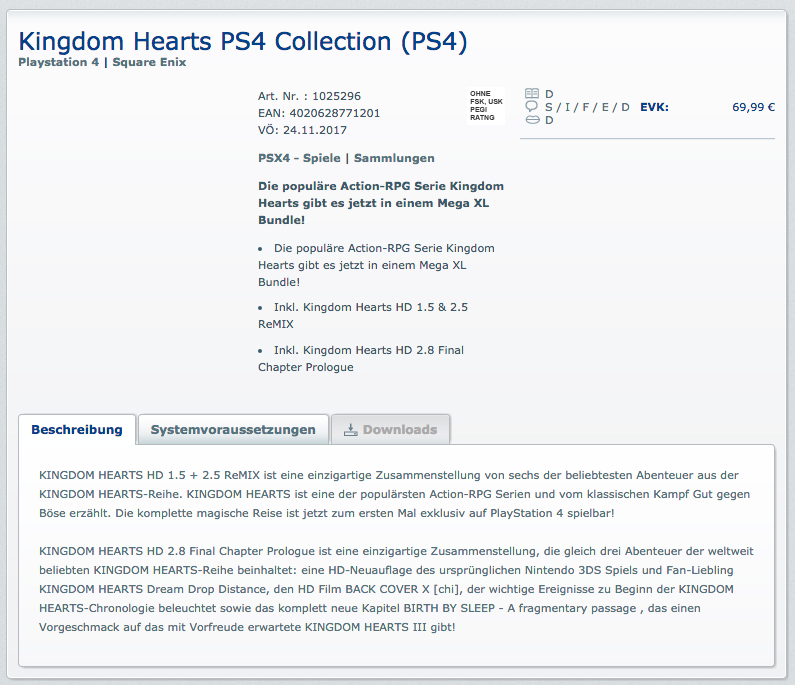
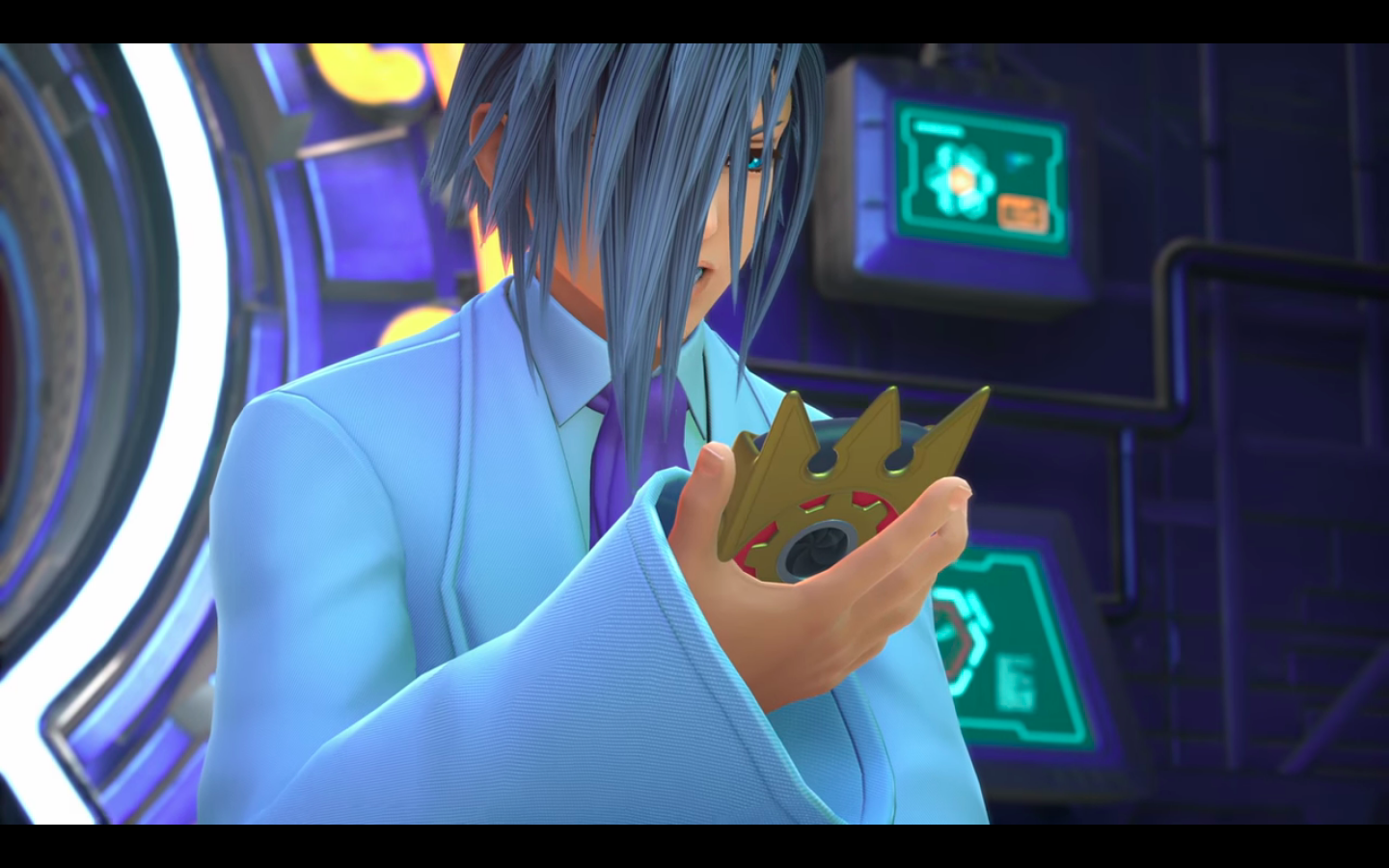
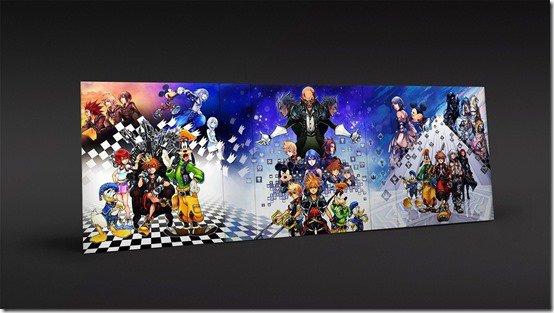
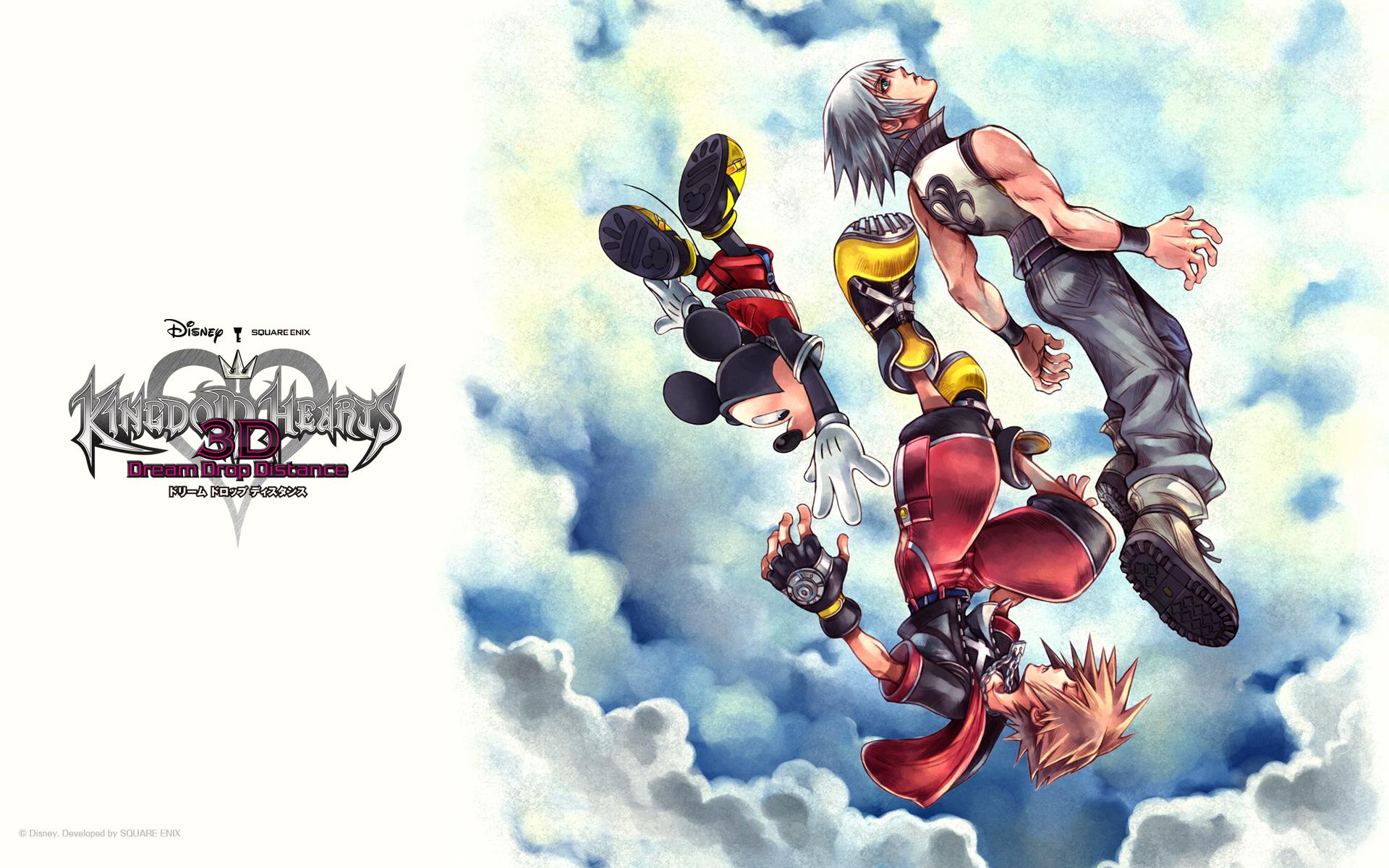
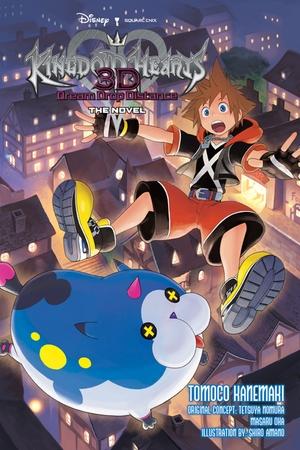
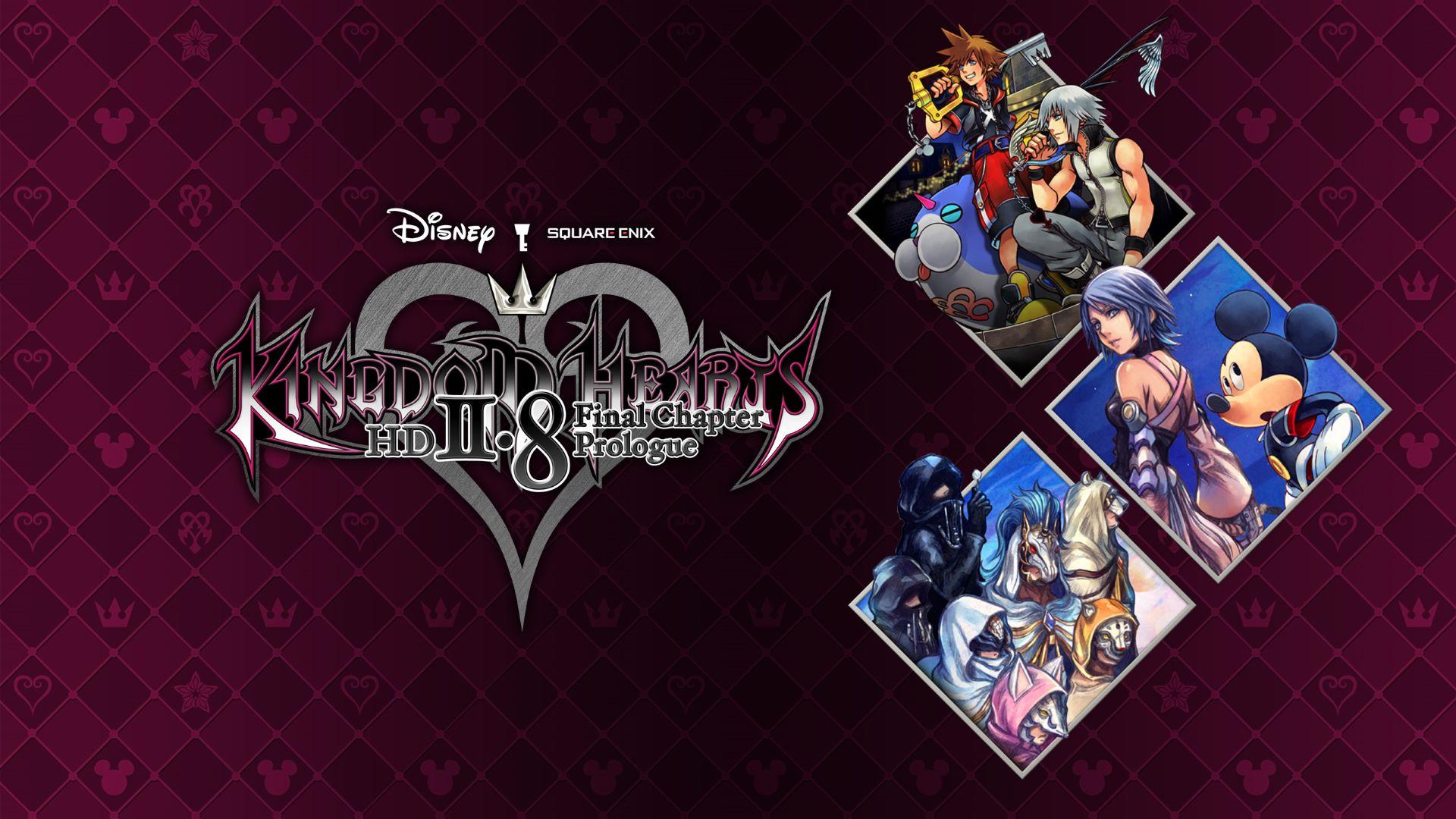
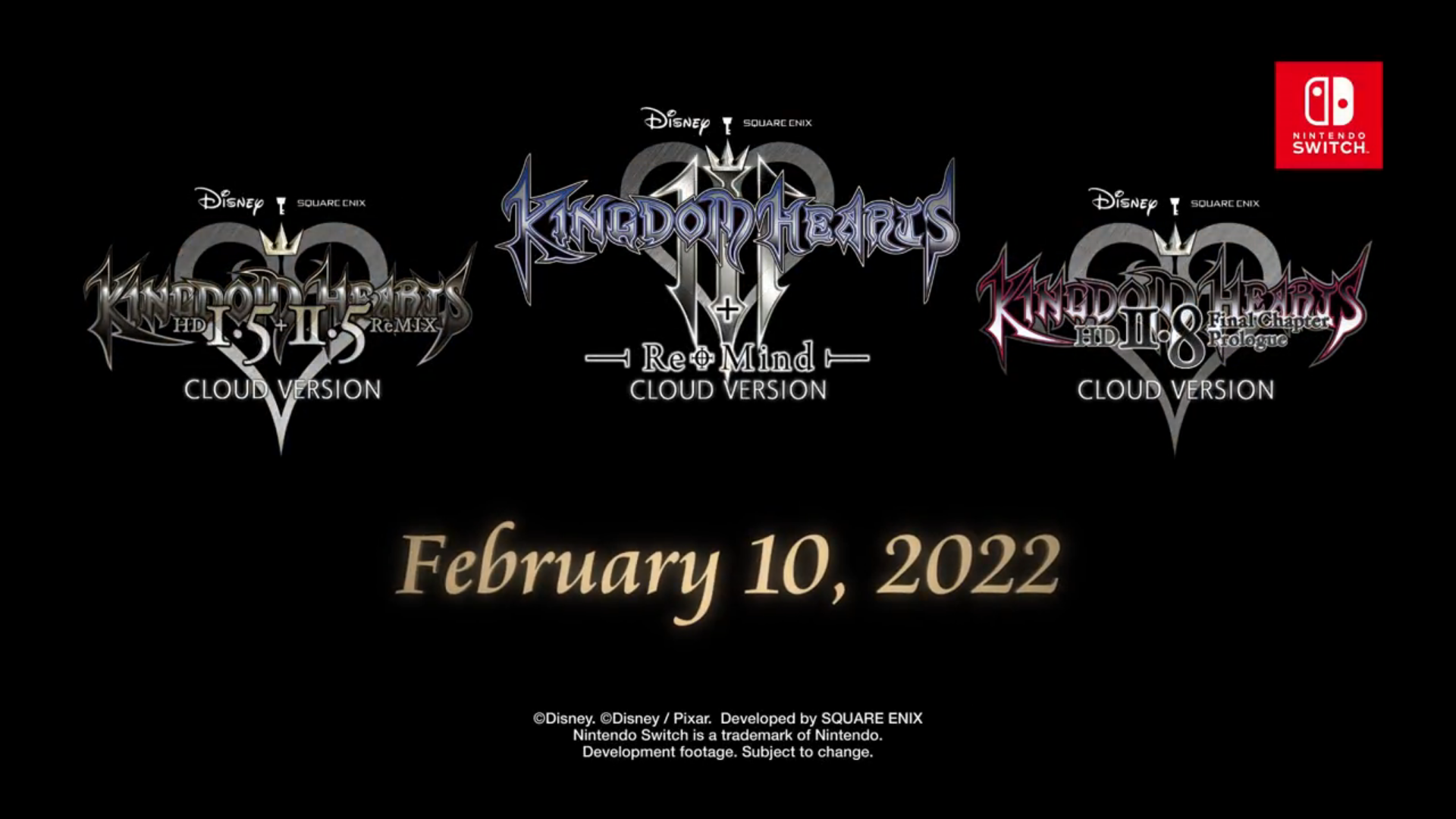
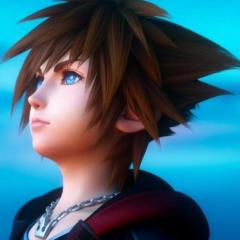
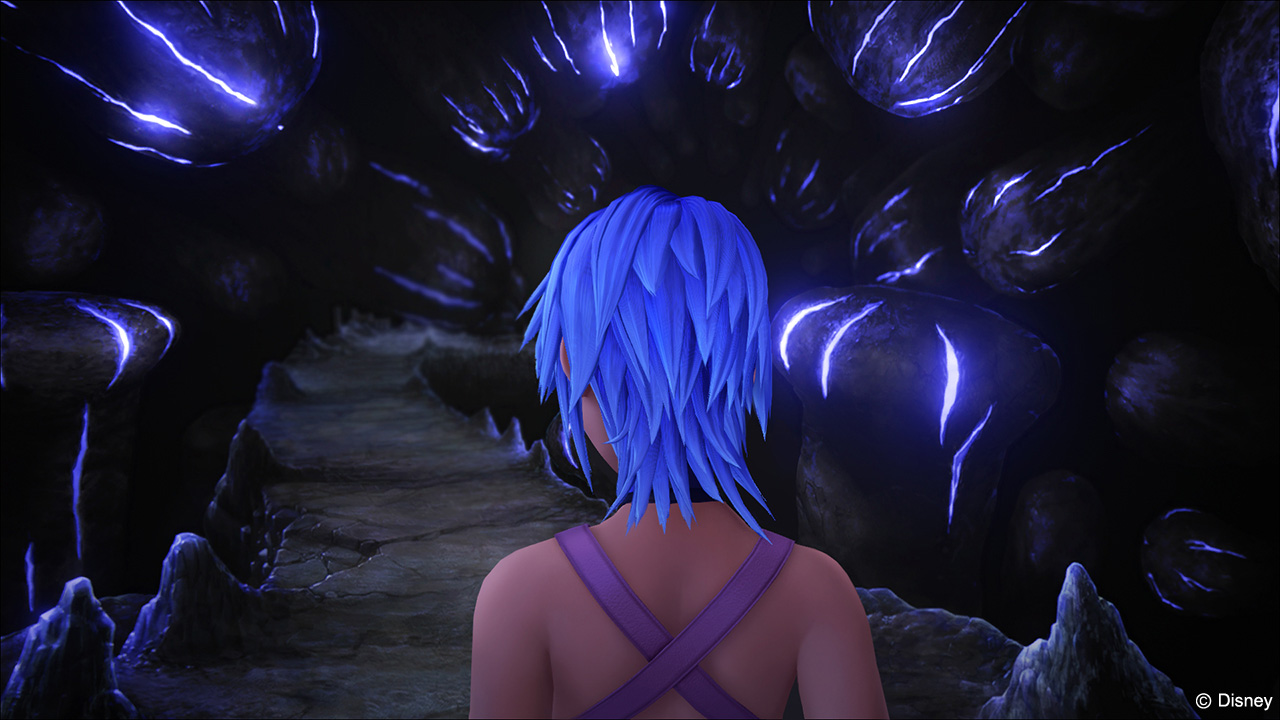
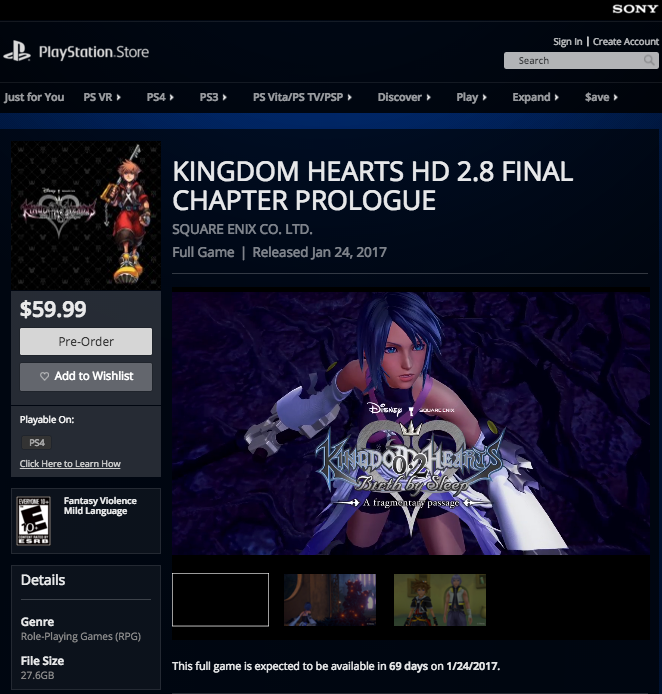
Kingdom Hearts [Dream Drop Distance] HD s a full-HD remastered version of the Nintendo 3DS title Kingdom Hearts 3D: [Dream Drop Distance]. It was originally released on January 12, 2017 in Japan for the PlayStation 4, and then on January 24, 2017 for North America and Europe. It later released for the Xbox One on February 18, 2020, for PC through the Epic Games Store on March 30, 2021, and for Nintendo Switch on February 10, 2022 as a Cloud Version.The title comes as part of the Kingdom Hearts HD 2.8 Final Chapter Prologue HD collection. The story follows series protagonists Sora and Riku as they take on the Mark of Mastery exam in preparation for coming threats leading up to Kingdom Hearts III.

Events

  1. 2025: Kingdom Hearts All-In-One Package released in Europe for PlayStation 4 (physical release)

    06/12/2025
  2. 2025: Kingdom Hearts All-In-One Package announced in Europe for PlayStation 4 (physical release)
    04/17/2025
  3. 2024: Kingdom Hearts HD 2.8 Final Chapter Prologue released worldwide for Windows via Steam

    06/13/2024
  4. 2024: Kingdom Hearts Integrum Masterpiece released worldwide for Windows via Steam

    06/13/2024
  5. 2022: Kingdom Hearts HD 2.8 Final Chapter Prologue released worldwide for Nintendo Switch (as a Cloud version)

    02/10/2022
  6. 2022: Kingdom Hearts Integrum Masterpiece released worldwide for Nintendo Switch (as Cloud versions)

    02/10/2022
  7. 2021: Kingdom Hearts Integrum Masterpiece announced worldwide for Nintendo Switch (as a Cloud version)

    10/07/2021
  8. 2021: Kingdom Hearts HD 2.8 Final Chapter Prologue released worldwide for Windows via the Epic Games Store

    03/30/2021
  9. 2020: Kingdom Hearts All-In-One Package released in the United States & Canada for PlayStation 4 (physical release)

    03/17/2020
  10. 2020: Kingdom Hearts HD 2.8 Final Chapter Prologue released worldwide for Xbox One

    02/18/2020
  11. 2019: Kingdom Hearts The Story So Far released in Europe for PlayStation 4

    03/29/2019
  12. 2019: Kingdom Hearts All-In-One Package released in the United States & Canada for PlayStation 4 (digitally)

    03/27/2019

News Articles

Latest Forum Topics

  1. Power Jusho ·
    • 3 comments
    • 461 views
  2. PinnyJolt ·

User Feedback

Recommended Comments

Roxas2345

Member


Pretty cool picture man!!!


Just pack three curgas and two ballongas and firaga burst and rest are attack commands pick which attack commands you want.

Roxas2345

Member


Just pack three curgas and two ballongas and firaga burst and rest are attack commands pick which attack commands you want.

Hahaha.... Why do all kh series are separated in different gadgets... Because its really hard to buy them. Whats next? Wii? Xbox? Anywayn its so coolllllll

Anonn0000

Verified Member

Riku, you look so cute on that icon! I wuvs

Marco Basile

Verified Member

My second most favourite Kingdom Hearts game :')

Demyx1

Member

This game is awsome

Naroxadam Xias

Verified Member

I heard they could be making an HD Remastered version of Kingdom Hearts 3D Dream Drop Distance.

Riku777

Verified Member

I have to say, Dream Drop distance has got to be the best kingdom hearts game out of all of them, i8n my opinion.

ociRX

Verified Member


its already announced for KH 2.8 HD remix. it will be released at PS4

Join the conversation

You can post now and register later. If you have an account, sign in now to post with your account.

Guest
Add a comment...

Configure browser push notifications

Chrome (Android)
  1. Tap the lock icon next to the address bar.
  2. Tap Permissions → Notifications.
  3. Adjust your preference.
Chrome (Desktop)
  1. Click the padlock icon in the address bar.
  2. Select Site settings.
  3. Find Notifications and adjust your preference.
Scroll to the top